Most beginner product photography equipment guides read like camera store inventory lists. Buy this lens. Buy that light. Spend $2,000 and hope for the best. That’s garbage advice for an Amazon seller. You don’t need a photography hobby. You need images that stop the scroll on a mobile SERP and convert browsers into buyers. This product photography equipment guide for beginners skips the gear-head nonsense and tells you exactly what moves your CTR and CVR, what’s a waste of money, and when buying equipment at all is the wrong call.
Last reviewed:
Why Most Equipment Guides Get This Backwards
Ask ten sellers what they need to shoot their own listing photos and nine of them will say “a good camera.” Wrong. A $1,200 mirrorless body with a kit lens will produce worse Amazon images than a $30 light tent and a $150 lighting kit shot on an iPhone. Period. Amazon’s Main Image slot doesn’t reward sensor size. It rewards a pure white background, sharp focus, and product-fills-85-percent-of-frame composition. You get that with control over light, not control over glass.
The $400 Question Every FBA Seller Asks
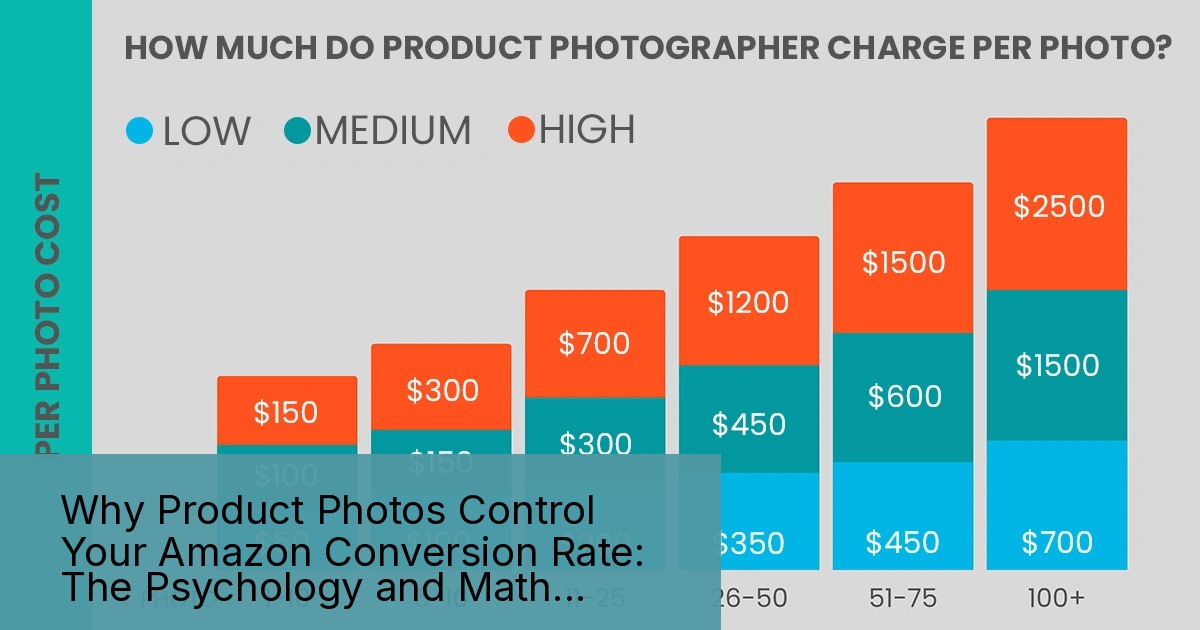
Here’s the question that actually matters before you buy anything: is DIY equipment cheaper than paying a studio per shoot? For a seller launching one SKU a quarter, the math almost never favors a full home studio setup. You’re looking at $800 to $1,500 in startup equipment, plus the retakes, plus the learning curve, plus the storage space in your garage. Professional Amazon product photography services typically run somewhere between $50 and $100 per image depending on complexity, and a full 7-image set for a single listing (Main Image plus six supporting shots) often lands in the $350 to $500 range. If you’re only shooting one or two products a year, equipment is dead weight. If you’re launching six or more SKUs annually, the equipment pays for itself. Do that math before you order anything.
Amazon Infographic Images Guide covers this in more detail.
What Amazon Actually Requires vs What Converts
Amazon’s technical bar is low. Amazon’s official image requirements call for a minimum 1000 x 1000 pixel image on a pure white (RGB 255,255,255) background for the Main Image, saved as JPEG, TIFF, or PNG. That’s it. That’s not a bar, that’s the floor. Meeting the floor gets your listing live. It does nothing for your conversion rate. The gap between “technically compliant” and “converts at 15 percent instead of 8 percent” is entirely about lighting quality, focus, color accuracy, and composition. Your equipment guide for beginners needs to optimize for that gap, not for Amazon’s minimum spec.
Cameras: What You Actually Need to Shoot Sellable Amazon Images
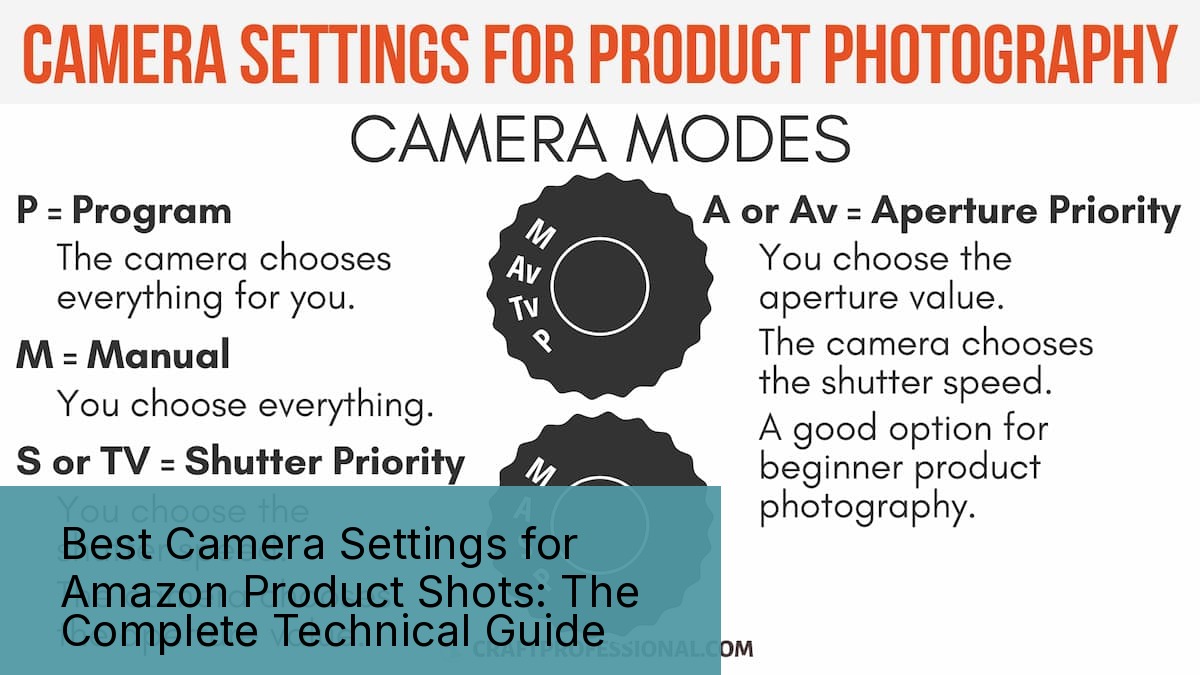
Camera choice is the most overrated decision in this entire process. Sellers obsess over full-frame sensors and forget that Amazon compresses every image you upload anyway. Here’s what actually matters at each budget tier.
Smartphone Cameras: Good Enough More Often Than You Think
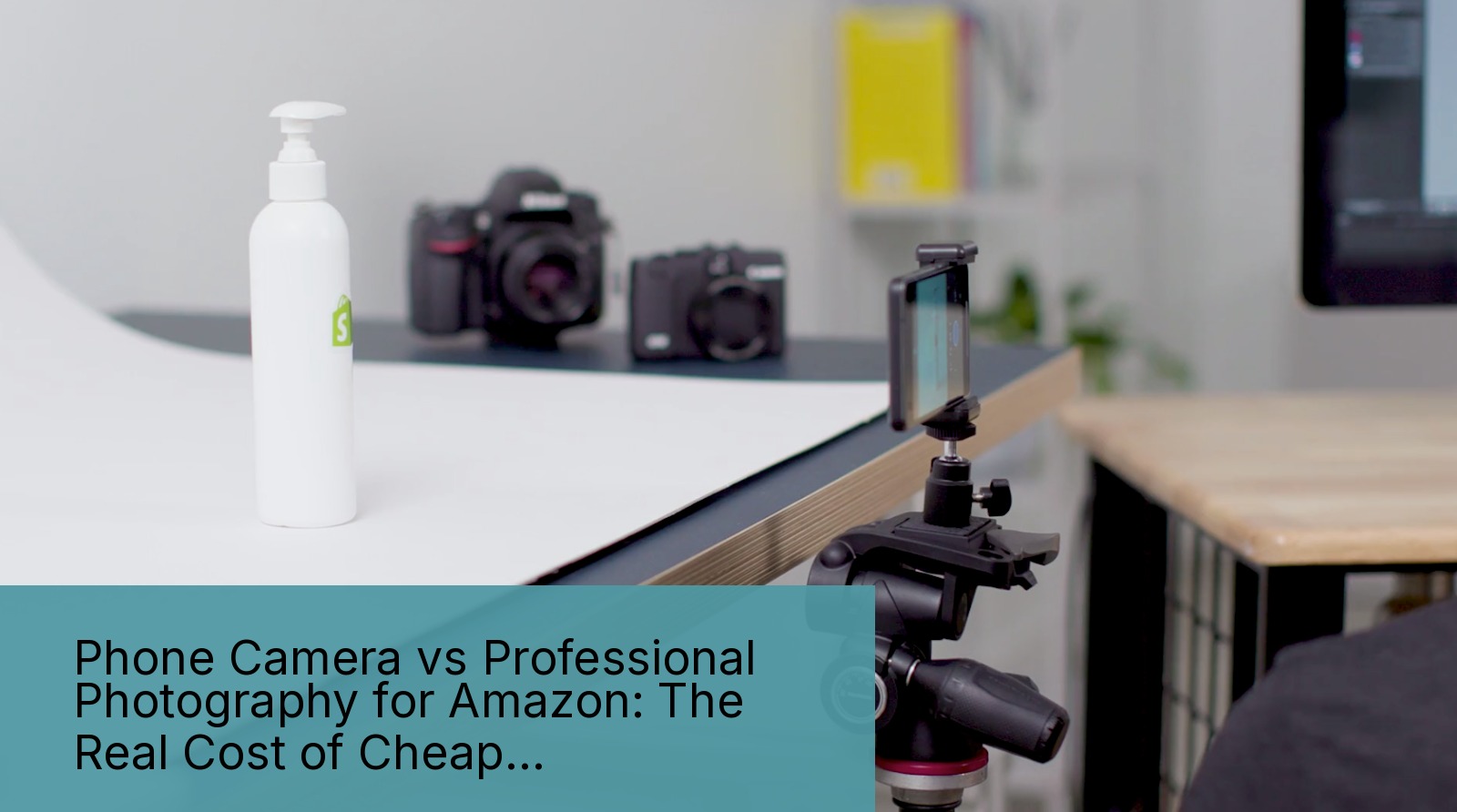
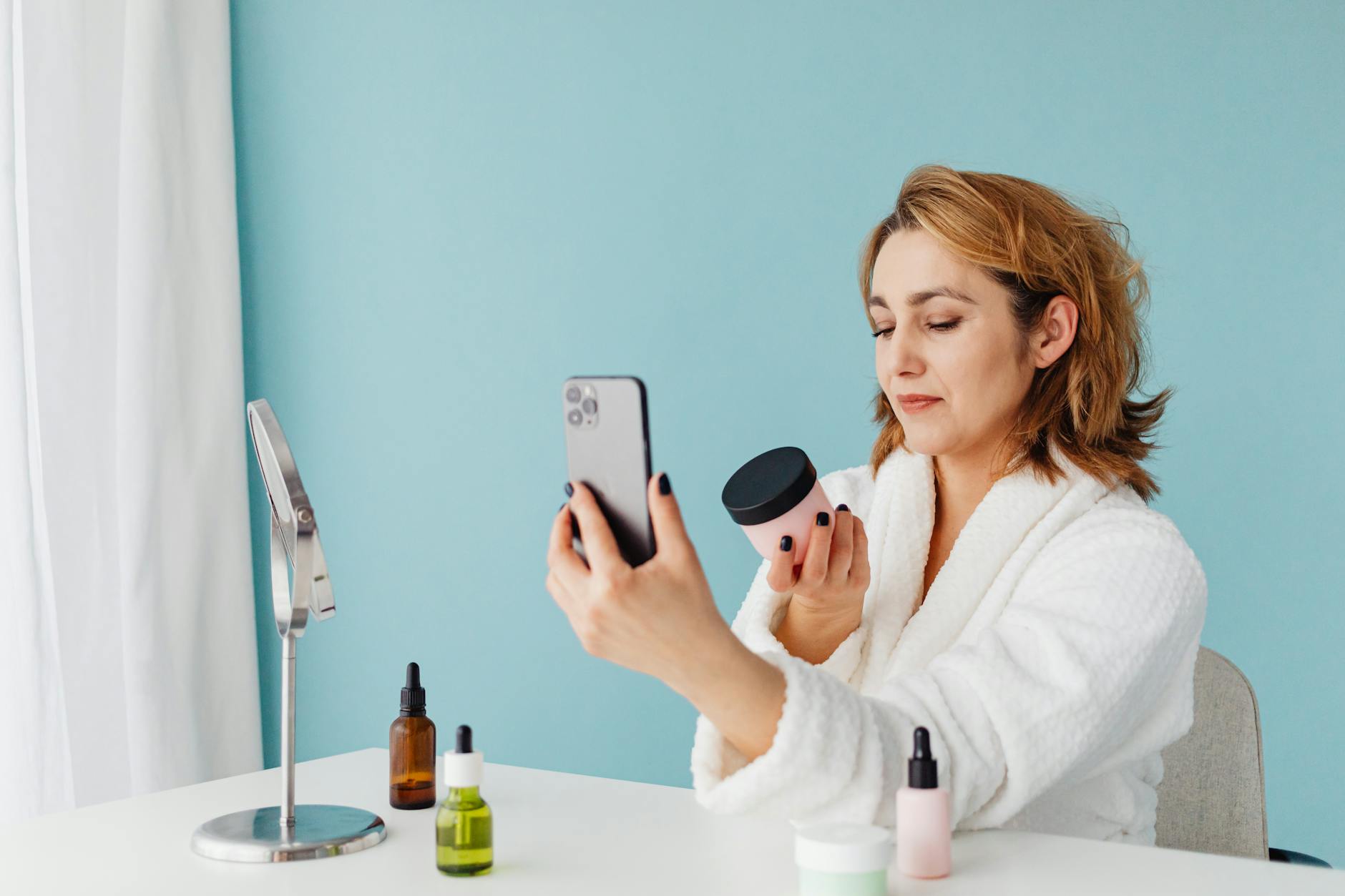
A current-generation smartphone (iPhone 15 Pro, Samsung Galaxy S24, or similar) shoots 12 to 48 megapixel images with computational HDR that outperforms a mid-range DSLR straight out of the box. For simple products on a white background under controlled lighting, a smartphone is not a compromise. It’s a legitimate tool. Shoot in RAW or ProRAW mode if your phone supports it, lock focus and exposure manually with a tap-and-hold, and use a tripod mount adapter to eliminate hand shake. Sellers in the supplements and beauty categories routinely shoot Main Images this way and pass Amazon’s quality bar without issue. The failure point is never the sensor. It’s inconsistent lighting and sellers shooting handheld.
Entry-Level Mirrorless: The Real Upgrade Point
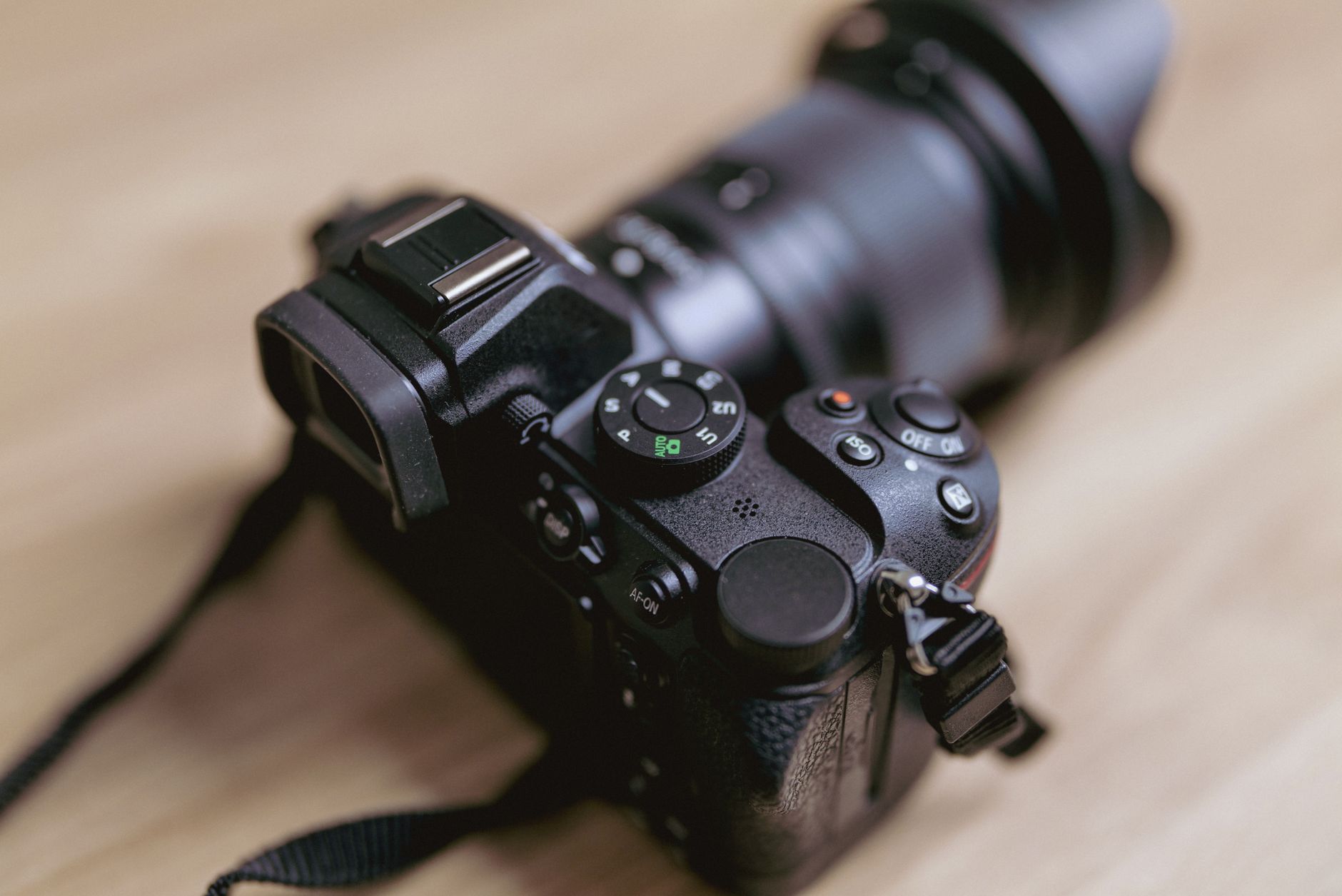
If you’re shooting more than 10 SKUs a year, or you’re in a category where texture and material detail matter (kitchenware, tools, leather goods), step up to an entry-level mirrorless body. The Sony ZV-E10 II or Canon EOS R50 run $700 to $900 with a kit lens and give you manual aperture control, a bigger sensor for shallow depth of field on hero shots, and tethering capability so you can shoot straight to a laptop and check focus at full resolution. Add a dedicated macro lens ($200 to $350) if you’re shooting supplements or beauty products where label text needs to be razor sharp at 100 percent zoom. That’s the single most common failure point for those categories: soft focus on ingredient panels that gets the listing flagged or just doesn’t convert because shoppers can’t verify claims.
When to Skip Cameras Entirely and Hire Out
If your product needs lifestyle context shots, models, or complex staging (think kitchen scenes, outdoor gear in use, apparel on a body), the camera stops being your bottleneck. Lighting a human subject correctly, directing a shoot, and post-processing skin tones and fabric texture is a completely different skill set than shooting a bottle on white. Sellers who try to DIY lifestyle images almost always end up with amateur-looking results that actively hurt CTR compared to a blank white background shot. Know the difference between what you can competently DIY and what needs a professional set.
Lighting Equipment: The Single Biggest Lever for Image Quality
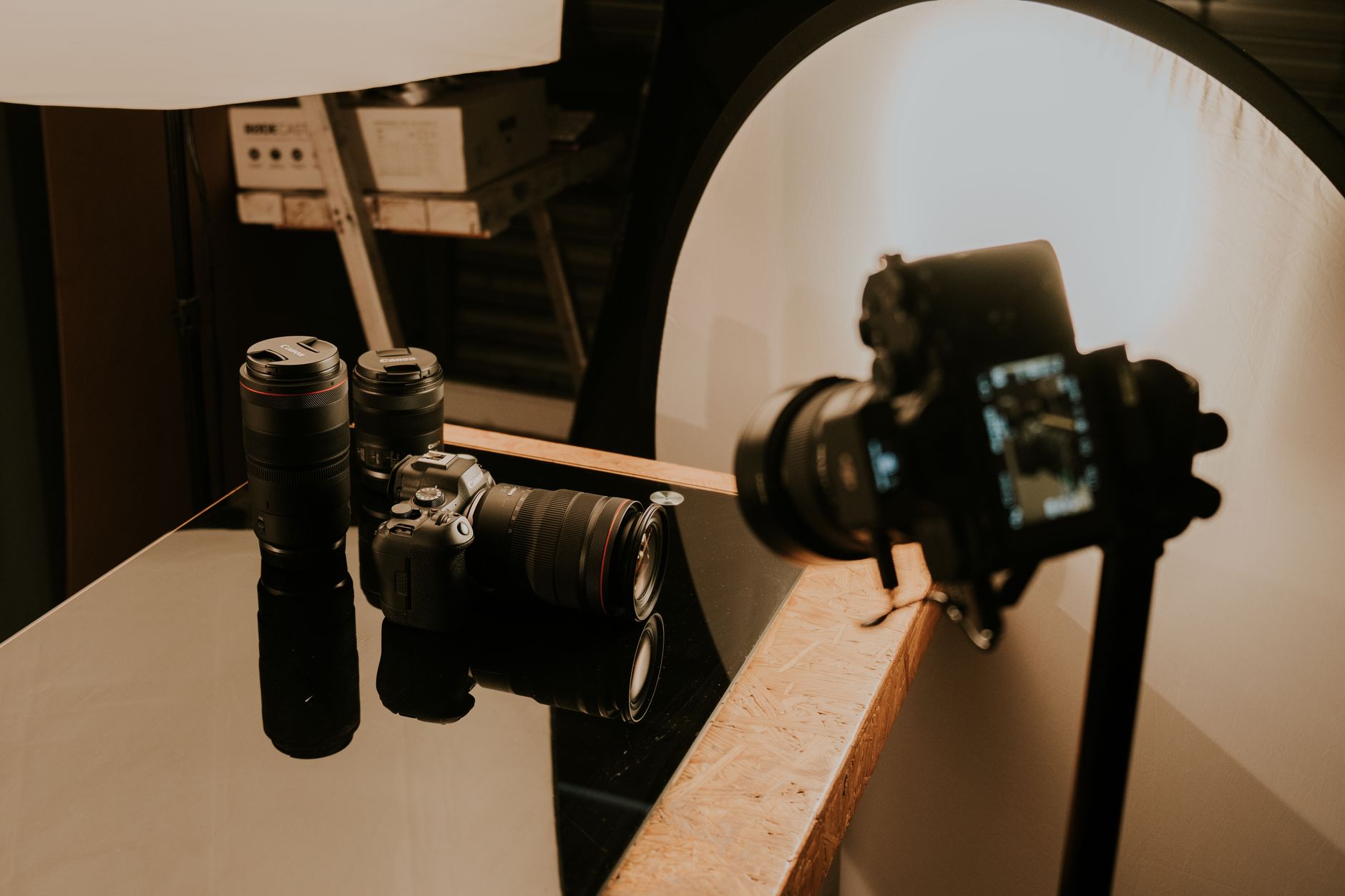
If you take one thing from this product photography equipment guide for beginners, take this: lighting is where your money goes first. Not the camera. Lighting is 70 percent of what separates an amateur shot from a professional one, and it’s the cheapest problem to fix.
Two-Light Softbox Kits: Your Foundation
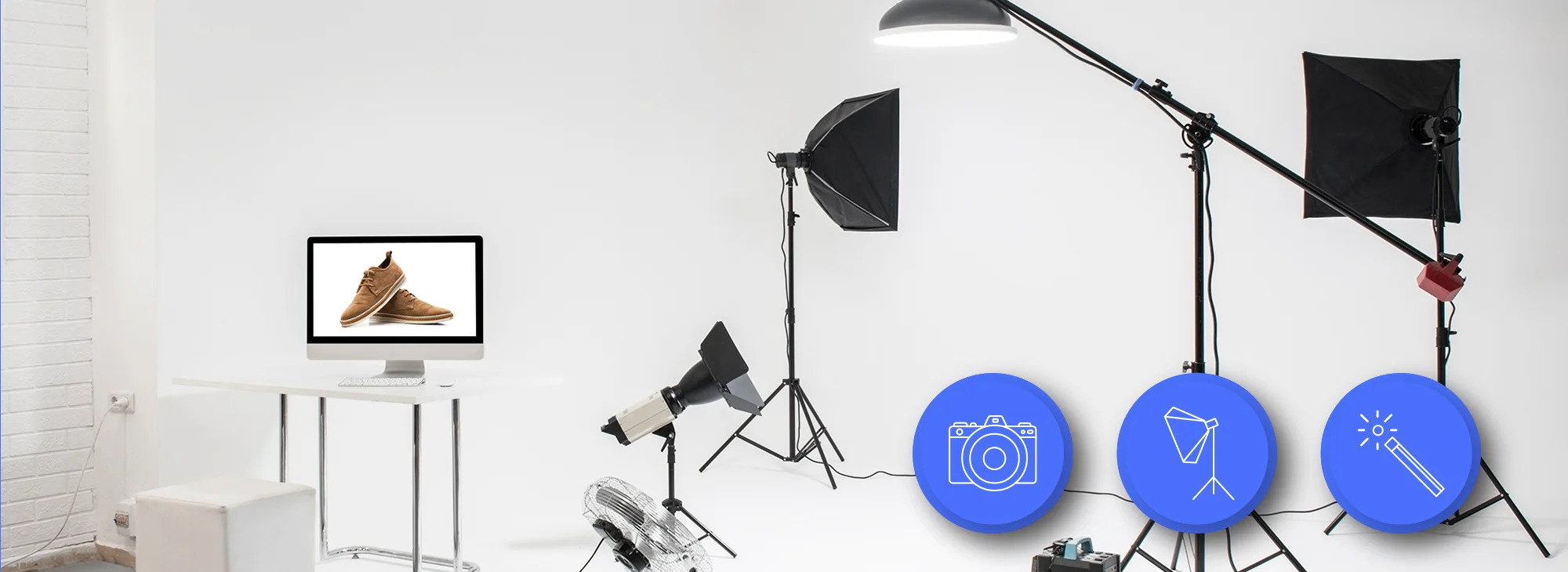
A basic two-light softbox kit (Neewer 660 LED or Fovitec Rembrandt kits run $150 to $300) gives you the even, shadow-free light Amazon’s white background requirement demands. Position lights at 45-degree angles on either side of the product, diffused through the softbox fabric, and you eliminate the harsh shadows and blown highlights that plague single-light setups. This is non-negotiable equipment. A camera upgrade with bad lighting still produces bad images. A phone camera with good lighting produces sellable images.
LED Panel Lights for Consistency and Color Accuracy
Continuous LED panels (Godox SL60W or similar, $100 to $180 per unit) give you adjustable color temperature, which matters more than sellers realize. Amazon’s white background requirement is unforgiving of color casts. A light with a color temperature mismatch against your background paper produces a dingy off-white that gets flagged in quality review or just looks cheap in the SERP thumbnail. Set your lights to 5500K daylight balance and keep it consistent across every shoot so your entire catalog has matching white balance. Buyers notice inconsistency across your image set even if they can’t articulate why a listing feels unprofessional.
Light Tents for Small Products
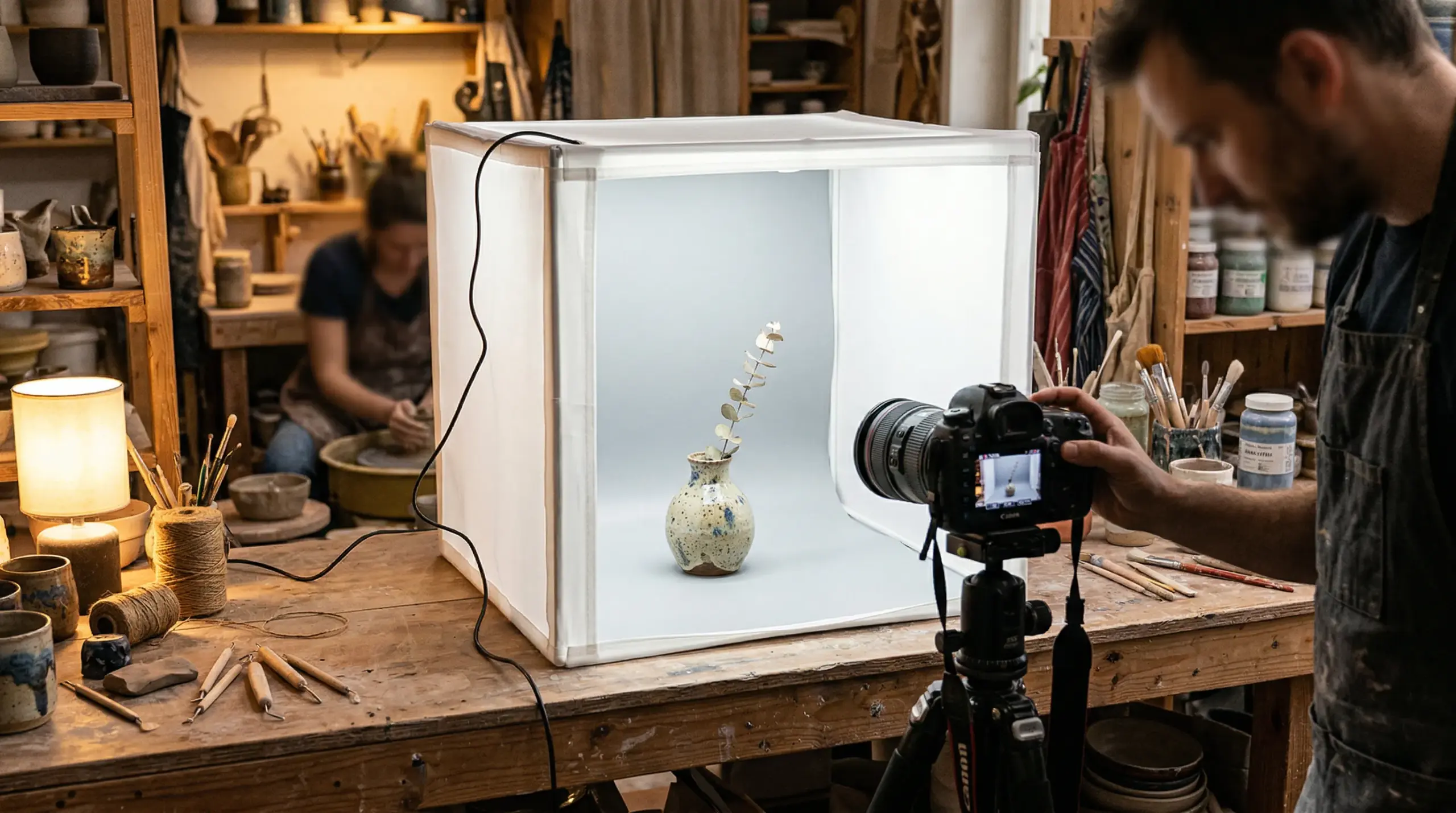
For anything under 12 inches, a light tent or photo box (Puluz 24-inch kits run $40 to $80 with built-in LED strips) solves 90 percent of your lighting problem in one purchase. Supplements, jewelry, small electronics, and beauty products all shoot cleanly inside a light tent because the diffused fabric walls eliminate hot spots and hard shadows automatically. This is the highest ROI purchase on this entire list for small-item sellers. Buy this before you buy anything else if your product fits inside one.
Backgrounds, Tables, and Surfaces for Clean Product Shots
Your background setup determines whether you’re fighting Amazon’s pure white requirement in every single edit or nailing it in-camera and saving hours of post-production.
Seamless Paper and Vinyl Backdrops
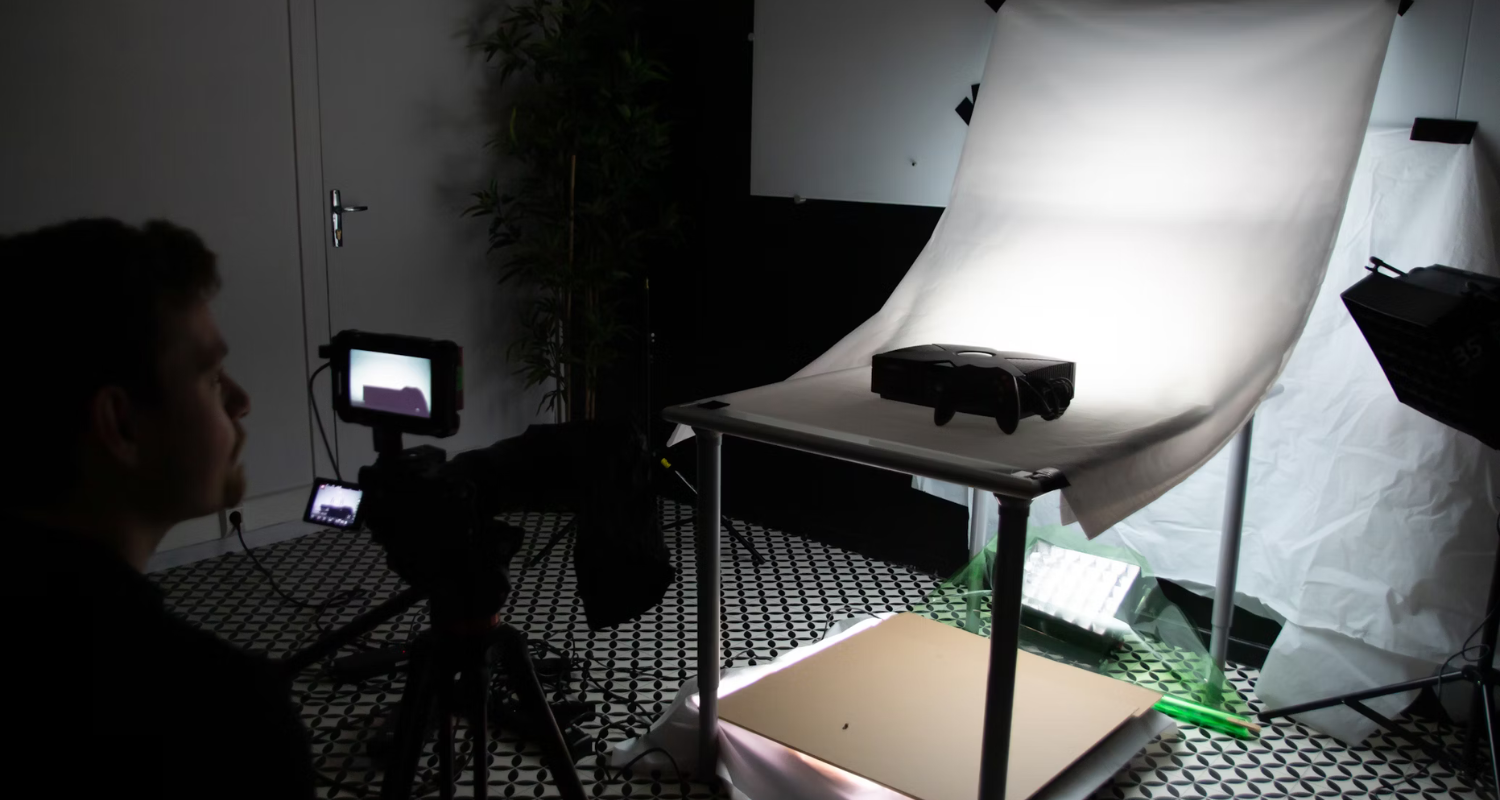
A roll of seamless white background paper (Savage Widetone, 53 inches by 12 yards, roughly $40) curved from wall to tabletop eliminates the horizon line where floor meets wall, which is what creates that professional infinity-background look. Vinyl sweep backdrops cost more upfront ($60 to $120) but wipe clean and don’t tear like paper, which matters if you’re shooting dozens of SKUs and reusing the same setup weekly.
Shooting Tables for Small Product Consistency
A dedicated acrylic shooting table (Puluz and similar brands, $50 to $150) gives you a curved white surface with built-in reflection control, ideal for products where you want a subtle floor reflection to convey premium positioning, common in beauty and electronics categories. This is a step up from a light tent when you need more working space or want the reflective surface effect that signals “premium product” to shoppers scanning a crowded SERP.
Reflectors and Bounce Cards
A $20 five-in-one reflector kit fills shadows without adding a third light source. White foam board works just as well and costs less than $10 at any hardware store. Position it opposite your key light to bounce fill light into shadow areas, especially important for products with reflective surfaces like glass supplement bottles or metal kitchen tools where a single light source creates harsh, distracting shadows that pull attention away from the product itself.
Tripods, Stabilization, and Camera Support
Sharpness is not optional on Amazon. A soft, slightly blurry Main Image gets outcompeted in the SERP by a competitor’s tack-sharp shot every single time, even if your product is objectively better. Camera support solves this for about $150 total.
A Real Tripod, Not a Toy One
Skip the $15 flimsy tripods. A mid-range tripod (Manfrotto Element Traveler or similar, $130 to $180) with a fluid head lets you lock camera position precisely and repeat the exact same framing across every SKU in a product line. Consistent framing across your catalog is what makes a storefront look professional instead of thrown together, and it speeds up your editing workflow because every shot starts from the same crop.
Copy Stands for Overhead and Flat Lay Shots
If you sell anything shot from directly above, apparel flat lays, food products, or infographic base images, a copy stand ($80 to $150) holds your camera perfectly perpendicular to the surface below. Handheld overhead shots almost always have a slight angle that distorts proportions, which is a dead giveaway of amateur photography and actively undermines trust in categories like supplements where label accuracy matters for compliance.
Remote Shutters and Tethering
A $15 wireless remote shutter or a tethering cable to your laptop eliminates camera shake from physically pressing the shutter button, and tethering lets you review focus and exposure at full resolution on a bigger screen before you break down the set. This is the cheapest item in this entire product photography equipment guide for beginners and it directly prevents the number one cause of soft, unusable images: camera movement at the moment of capture.
Editing Software and Post-Production Tools
Equipment gets you a clean capture. Software gets you an Amazon-ready file. Sellers who skip this step and upload straight-from-camera files are leaving conversion on the table.
Adobe Photoshop and Lightroom
The Adobe Photography Plan ($10 to $20 monthly) gives you Lightroom for batch color correction and exposure matching across an entire shoot, and Photoshop for background cleanup, dust removal, and building A+ Content modules. If you’re managing more than a handful of SKUs, batch editing in Lightroom alone saves hours compared to manually adjusting each file, and consistent color grading across your catalog is what makes a storefront look cohesive instead of like seven different photographers shot it.
Background Removal Tools
AI background removal tools (Photoroom, remove.bg) can strip a product from its background in seconds for straightforward shapes, which is useful for quick infographic assembly or A+ Content, but don’t trust them blindly on fine detail like fabric edges, hair, or transparent packaging. Manual pen-tool masking in Photoshop still outperforms AI tools on anything with complex edges, and a sloppy auto-cutout with a visible halo around your product is worse than no cutout at all.
Infographic and Compositing Tools
Your image slots two through seven exist to answer buyer objections and highlight benefits visually, and building those requires layering text, icons, and callouts over your base product shots. Canva Pro and Photoshop both handle this, but the strategy behind what goes on each slide matters more than the software. For a full breakdown of how to structure benefit callouts, size comparisons, and use-case graphics across your secondary image slots, see this Amazon Infographic Images Guide, which covers slot-by-slot strategy most sellers get wrong.
The Real Buy vs Outsource Math
This is the section every equipment guide skips because it’s inconvenient. Equipment isn’t free just because you already own it. Your time has a dollar value, and retakes cost more than sellers ever budget for.
Total Equipment Cost Breakdown
Here’s a realistic first-year DIY setup for a small-item category like supplements or beauty:
| Item | Budget Option | Better Option |
|---|---|---|
| Camera | Smartphone (owned) $0 | Entry mirrorless $800 |
| Lighting kit | Light tent with LEDs $60 | Two-light softbox kit $250 |
| Background | Seamless paper $40 | Acrylic shooting table $120 |
| Support gear | Basic tripod $40 | Fluid head tripod + copy stand $280 |
| Editing software | Free mobile apps $0 | Adobe Photography Plan $240/yr |
| Total | $140 | $1,690 |
Hidden Costs Nobody Talks About
The equipment total is the easy number. The hidden cost is time: the learning curve to get lighting, focus, and color correction right typically eats 15 to 25 hours across your first three shoots, based on watching sellers go through this repeatedly. Value your own time at even $50 an hour and that’s $750 to $1,250 in opportunity cost before you’ve shot a sellable image. Add storage space for the setup, replacement bulbs and backdrops as they wear out, and the retakes that happen when your first attempt doesn’t pass your own quality bar, let alone Amazon’s. Baymard Institute’s ecommerce usability research consistently finds that product image quality is one of the top factors shoppers cite when abandoning a purchase decision, which means a mediocre DIY shot doesn’t just cost you the equipment money, it costs you the sale.
When Outsourcing Beats DIY Every Time
If you’re launching fewer than five SKUs a year, outsourcing wins on pure math almost every time; the $1,690 higher-end DIY setup only pencils out if you’re amortizing it across a dozen or more shoots. If you’re scaling past 10 SKUs annually and have someone dedicated to photography, the equipment investment starts to make sense. There’s no in-between answer here. Calculate your annual SKU launch volume, multiply by a realistic per-listing photography cost, and compare it against your total equipment and time investment before you buy a single light.
Related Articles
- DIY Amazon Product Photography Setup: A Complete Build Guide Under $500
- Product Photography Lighting for Amazon: The Setup That Actually Converts
- Amazon Product Photography Pricing Breakdown: The Real Math Behind Your Image Investment
Sources & References
Amazon Listing Images That Actually Convert
Stop losing sales to competitors with better images. We research your niche, find the 6 buying objections in your category, and ship 7 strategic listing images that address each one.
Frequently Asked Questions
What’s the single best piece of equipment for a beginner shooting Amazon products?
A light tent or two-light softbox kit, full stop. Lighting fixes more image quality problems than any camera upgrade, and a $60 to $250 lighting setup will improve your images more than a $1,000 camera body with bad light.
Can I shoot Amazon Main Images with just my phone?
Yes, for most small to mid-size products on a white background. A current smartphone shot in RAW mode on a tripod with proper lighting meets Amazon’s technical requirements and can produce images that convert well, as long as you control light and focus manually instead of relying on auto mode.
How much should a beginner budget for a full DIY equipment setup?
Plan on $140 for a bare-minimum light tent and background setup using a smartphone you already own, or $1,500 to $1,700 for a more capable setup with an entry-level mirrorless camera, proper softbox lighting, and editing software. Compare that number against your annual SKU launch volume before committing.
Do I need a macro lens for supplement or beauty product photography?
If your product has small label text or ingredient panels that need to be legible at full zoom, yes. A $200 to $350 macro lens is the difference between a Main Image that passes a quick glance and one that holds up when a shopper zooms in to verify claims, which happens frequently in the supplements category.
At what point does it make more sense to outsource product photography instead of buying equipment?
Once you’re launching fewer than five to six new SKUs a year, or your products require lifestyle staging, models, or complex scene-building, outsourcing almost always beats the equipment cost, time investment, and retake cycles of a DIY setup. Run the math on your specific SKU volume rather than assuming either option is automatically cheaper.