Tag: diy photography

  • Product Photography on a Budget: How to Shoot Amazon-Ready Images for Under $200

    Product Photography on a Budget: How to Shoot Amazon-Ready Images for Under $200

    You’re bleeding money on product photography. The average FBA seller drops $800-1500 per SKU on professional shoots, then watches their ACoS climb because the images don’t convert. Meanwhile, sellers who master product photography on a budget are hitting 15-20% conversion rates with setups that cost less than your monthly PPC burn.

    Here’s the math that should keep you up at night: A 2% bump in your main image CTR can drop your ACoS by 15-20%. That’s thousands saved monthly on a typical $10K ad spend. Yet most sellers treat product photography like a one-time expense instead of the conversion multiplier it actually is.

    This guide breaks down exactly how to build a professional photo setup for under $200 that produces images indistinguishable from $400-per-SKU studio shots. No theory. No fluff. Just the specific equipment, settings, and techniques that work.

    The Real Economics of DIY Product Photography

    Let’s talk ROI before we talk technique. Because if the numbers don’t make sense, nothing else matters.

    Professional Photography Cost Breakdown

    Professional Amazon photography runs $300-600 per SKU for the standard 7-image package. Add lifestyle shots, and you’re looking at $800-1200. For a catalog of 20 SKUs, that’s $16,000-24,000 in photography costs alone.

    But here’s what kills profitability: You need new shots every time you tweak your product, add a variant, or test different angles. Professional photographers charge $150-300 for reshoot sessions. Most sellers need 3-5 reshoots per year as they optimize listings based on data.

    The hidden costs compound fast. Rush fees when you need images for a lightning deal. Travel expenses if your photographer isn’t local. Props and models for lifestyle shots. Storage fees while inventory sits waiting for photos. The typical seller spends 40% more than their initial photography quote by year’s end.

    DIY Setup Investment Analysis

    A professional-grade DIY setup costs $150-200 total. Not per SKU. Total. Here’s the exact breakdown:

    • Light tent: $35-45
    • LED panel lights (2): $60-80
    • Backdrop materials: $20-30
    • Basic tripod: $25-35
    • Reflectors/diffusers: $15-25

    Your smartphone camera is already better than the DSLRs professionals used five years ago. The iPhone 13 Pro shoots 48-megapixel RAW files. The Samsung S22 Ultra has a 108-megapixel sensor. Both exceed Amazon’s image requirements by 500%.

    The payback period on DIY equipment is one SKU. After that, every product you shoot is pure margin. Reshoot as many times as you want. Test different angles without burning cash. Update images based on customer feedback without scheduling appointments.

    Time Investment vs. Outsourcing

    The average seller spends 12-15 hours coordinating professional photography per SKU. Finding photographers, negotiating rates, shipping products, reviewing proofs, requesting revisions, downloading files. That’s before you even upload to Seller Central.

    DIY shooting takes 2-3 hours per SKU once you nail the process. First few products might take 4-5 hours as you learn. But by product ten, you’re cranking out full 7-image sets in under two hours. Including editing.

    Here’s what matters: You control the timeline. Need images for tomorrow’s lightning deal? Shoot tonight. Want to test a new main image angle? Twenty minutes and you’re split-testing. Professional photographers book 2-3 weeks out. Markets move faster than that.

    Essential Equipment for Under $200
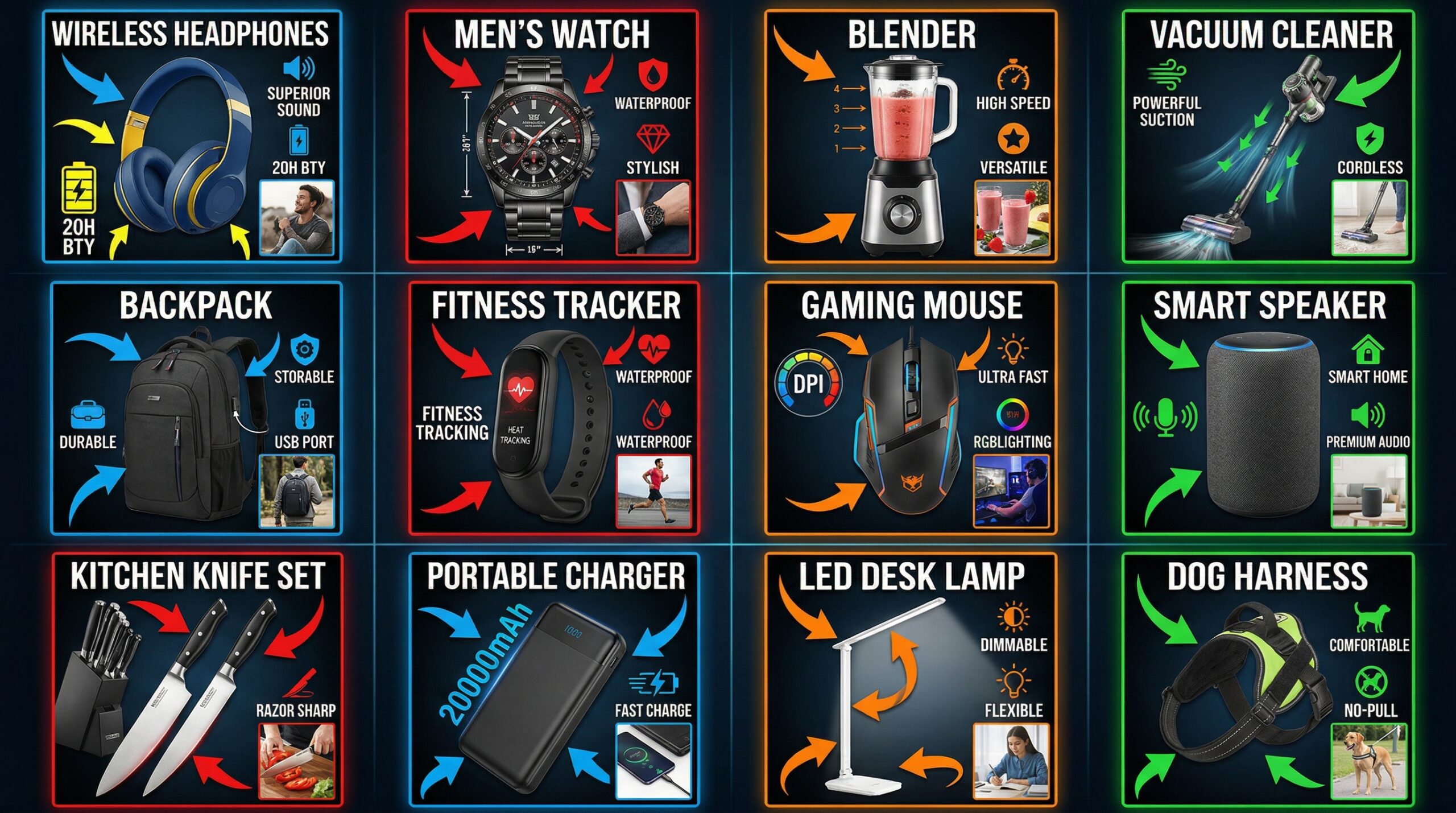
    Amazon listing example for product photography on a budget

    Forget the gear porn. You need five things to shoot Amazon-compliant images. Everything else is marketing.

    Core Photography Equipment

    Light tent or shooting box ($35-45): Get a 24″ x 24″ minimum for most products. 32″ x 32″ if you sell larger items. The Neewer shooting tent on Amazon runs $38 and includes four backdrop colors. Don’t overthink this. The tent diffuses light and eliminates shadows. That’s all it needs to do.

    LED panel lights ($60-80 for pair): You need two panels minimum, 5500K color temperature, 2000+ lumens each. The Viltrox L116T panels run $35 each and include diffusion filters. Position at 45-degree angles to your product. Equal distance, equal height. This setup eliminates 90% of shadow issues.

    Seamless backdrop material ($20-30): White poster board works for small products. For larger items, get a roll of seamless paper from Savage or Superior. 53″ wide, 12 yards long, pure white. Costs $28 and lasts months. Create that infinite white background Amazon loves without post-processing.

    Skip the expensive camera. Your smartphone shoots better than you think. But you need stability.

    Smartphone Setup Specifics

    Tripod with smartphone mount ($25-35): The AmazonBasics 60-inch tripod includes a phone adapter and costs $28. Extends to eye level, collapses for storage. The phone mount is the critical piece. Spring-loaded, adjustable, fits any phone with case.

    Remote shutter or timer: Use your phone’s timer function or get a $10 Bluetooth remote. Touching the phone creates shake, even on a tripod. Set 2-second timer minimum. For detail shots, use 5-second timer to let vibrations settle.

    Manual camera app: Your default camera app sucks for product photography. Download Camera+ (iOS) or Open Camera (Android). Both free. You need manual control over ISO, shutter speed, and focus point. Auto mode creates inconsistent exposures across your image set.

    Free Tools That Save Thousands

    Photoshop Express or Snapseed: Both free, both handle 90% of edits you need. Crop to 1:1 aspect ratio. Adjust exposure and contrast. Remove dust spots. Export at 72 DPI, 1500×1500 pixels minimum for Amazon.

    Remove.bg: Automated background removal that actually works. Free tier gives you one image per month at full resolution, more at lower res. Perfect for creating transparent PNGs for A+ content. Saves 20 minutes per image versus manual masking.

    TinyPNG: Compress images without quality loss. Amazon limits file sizes to 10MB, but smaller loads faster. Faster load times improve mobile conversion rates. Free, unlimited use, cuts file sizes by 70% with zero visible difference.

    Setting Up Your DIY Photo Studio
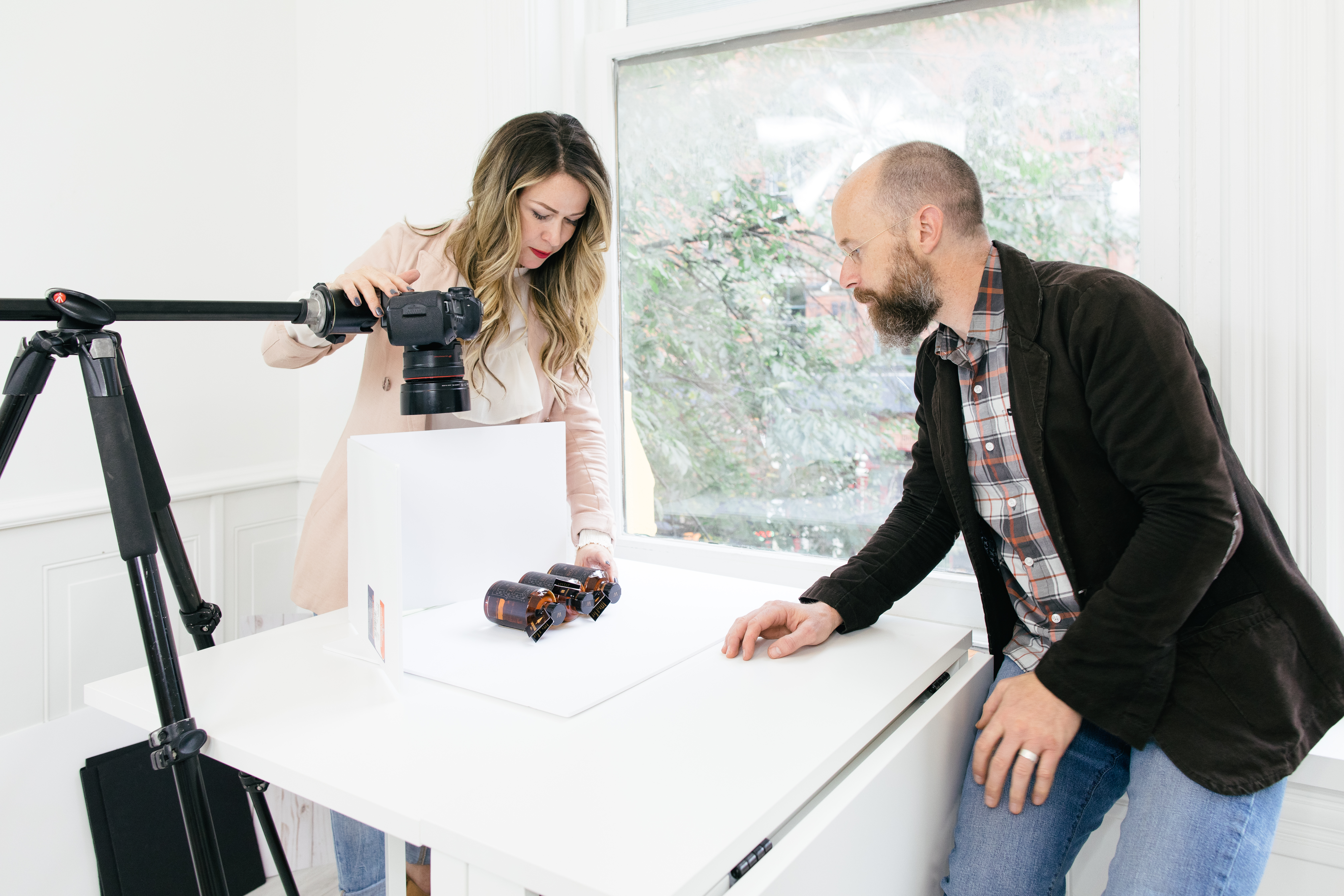
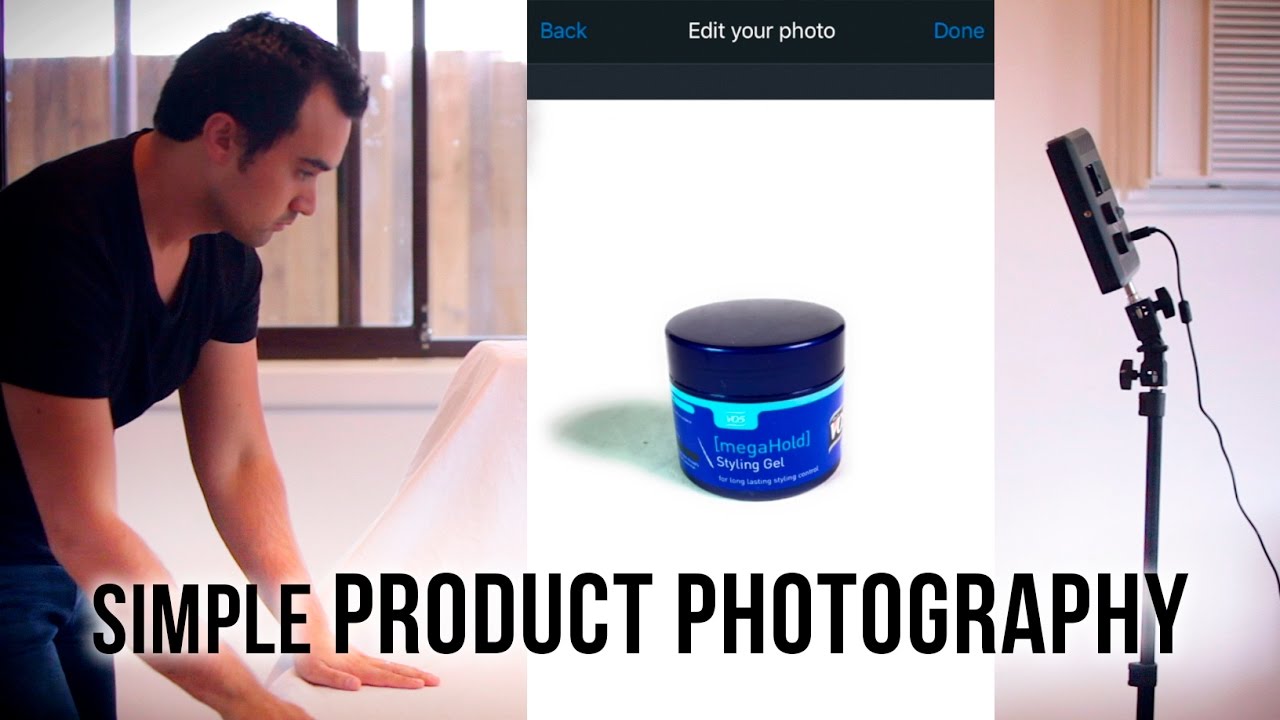
    Product photography setup for product photography on a budget

    Location matters more than equipment. You need consistent conditions, not perfect ones.

    Choosing the Right Space

    Find a room with minimal natural light. Basement, interior bathroom, walk-in closet. Natural light changes throughout the day, creating inconsistent exposures. You want total control over lighting conditions.

    You need 6×6 feet minimum. 8×8 feet is better. The extra space lets you move lights without cramming. Set up against a wall to minimize backdrop curve. Leave 3 feet between backdrop and product for clean separation.

    Temperature matters for certain products. Chocolate, cosmetics, and candles need cool environments. Electronics need low humidity. Most products shoot fine at room temperature, but know your limitations. A melted lipstick doesn’t sell.

    Professional Lighting on Amateur Budget

    Two-point lighting solves 95% of amateur photography problems. Here’s the exact setup:

    Light 1 (Key light): Position 45 degrees to the right of your product, 2 feet away, 1 foot above product height. This creates primary illumination and subtle shadows for dimension.

    Light 2 (Fill light): Position 45 degrees to the left, 3 feet away, same height as product. Set to 70% intensity of key light. This fills shadows without eliminating them completely.

    For reflective products (jewelry, electronics), add a third element: white foam core positioned opposite your key light. Bounces light back to eliminate harsh reflections. Costs $5 at any craft store.

    Color temperature consistency beats brightness every time. All lights must be same temperature (5500K ideal). Mixed temperatures create color casts that destroy product accuracy. Customers return products that don’t match photos.

    Camera Settings That Matter

    Ignore 90% of photography advice. For Amazon product shots, only four settings matter:

    ISO: Keep at 100-200 maximum. Higher creates noise that looks amateur. Better to add more light than boost ISO.

    Aperture: Not adjustable on most phones, but if you have control, shoot at f/5.6-f/8. Keeps entire product in focus without being too sharp.

    Shutter speed: 1/60 second minimum with tripod. Faster if hand-holding (don’t). Slower creates motion blur from tiny vibrations.

    Focus: Tap to focus on product center. Lock focus before shooting. Auto-focus hunts between shots, creating inconsistent sharpness across image set.

    White balance should be set to daylight (5500K) to match your LED panels. Auto white balance shifts between shots. Consistency matters more than perfect accuracy.

    Shooting Techniques for Maximum Conversion

    Amazon’s algorithm rewards specific image types. Shoot for the algorithm, not artistic merit.

    Main Image Optimization

    Your main image drives 70% of click-through rate. Mess this up and nothing else matters. Amazon requires pure white background (RGB 255,255,255), but that’s just the start.

    Fill 85% of frame with product. More creates claustrophobia. Less wastes mobile real estate. Measure this. Screenshot competitor listings, overlay grid, match their fill percentage.

    Shoot straight-on for most products. Three-quarter angle only if it shows critical features. Kitchen products need to show capacity. Electronics need to show ports. Beauty products need to show packaging design. Default to straight-on unless angle adds critical information.

    Natural shadows beat floating products. Position product 6 inches from backdrop. Light creates soft shadow underneath. This grounds the product, makes it feel real. Floating products look like bad Photoshop jobs.

    Secondary Image Strategy

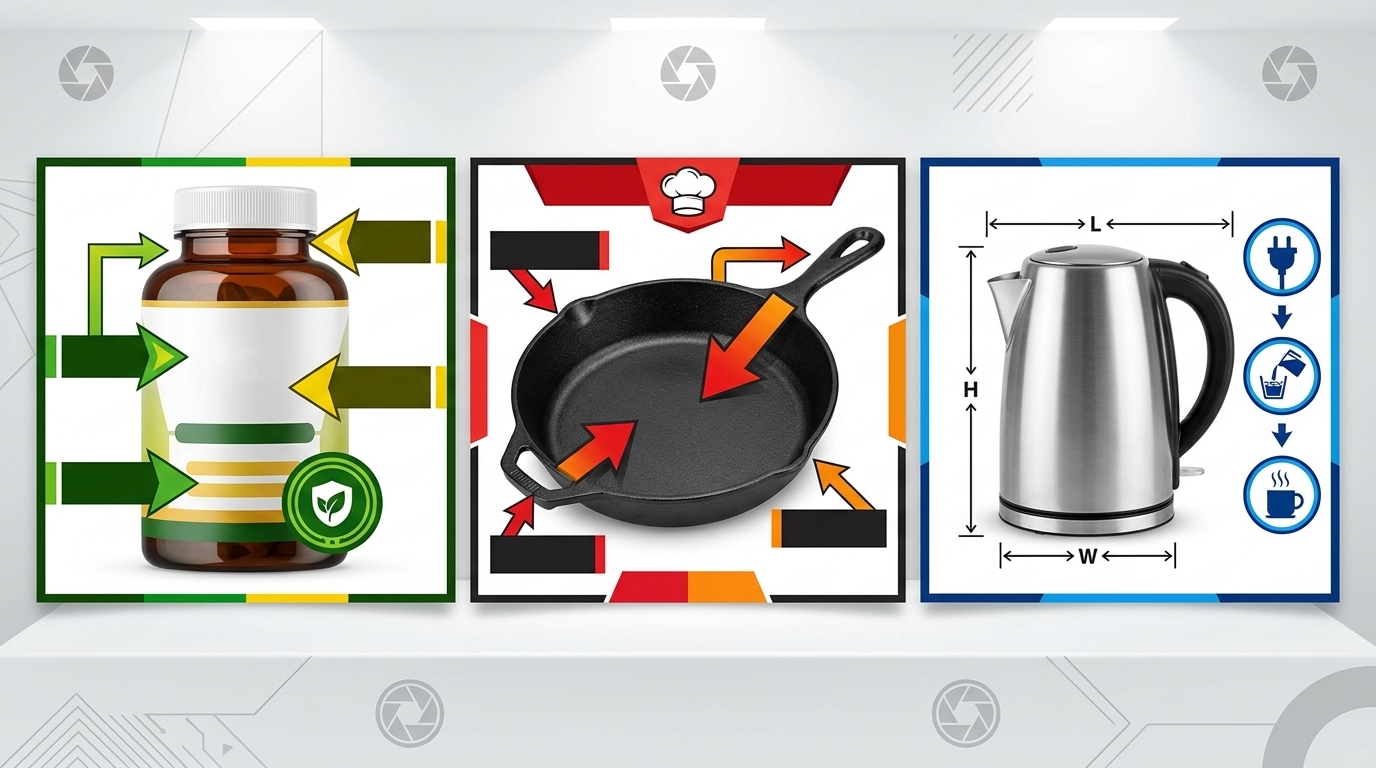
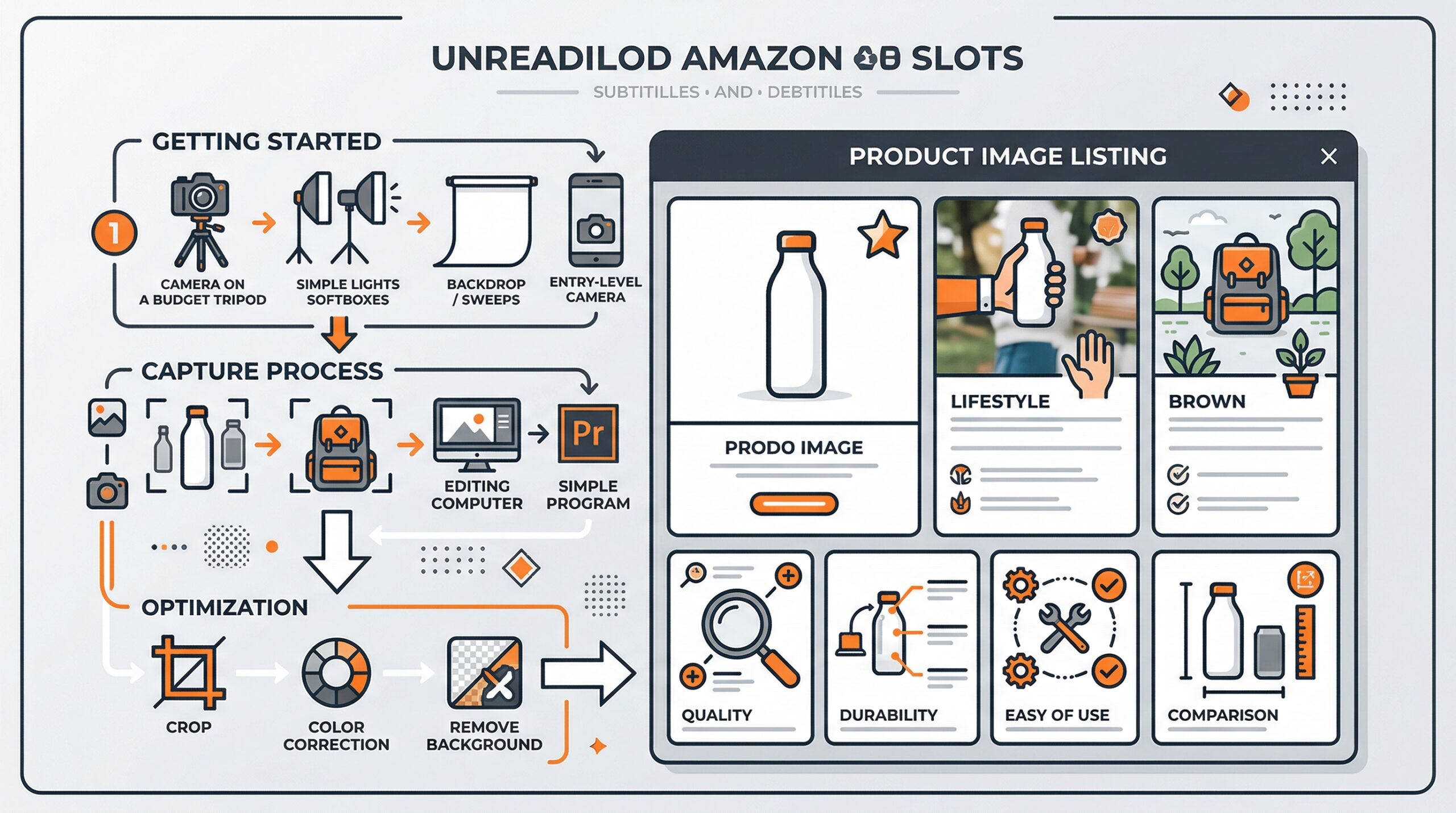
    Images 2-7 tell your product story. Each needs specific purpose:

    Image 2 – Lifestyle context: Show product in use or natural environment. Kitchen gadgets on counter with ingredients. Electronics on desk with peripherals. This isn’t about pretty. It’s about helping customers visualize ownership.

    Image 3 – Size reference: Include common object for scale. Hand for small items. Person for large items. Coins, credit cards, or phones for precise scale. Customers can’t judge size from main image alone.

    Image 4 – Feature callouts: Close-up of unique features with text overlay. Keep text under 20% of image area to stay Amazon-compliant. Use arrows, not descriptions. Show, don’t tell.

    Image 5 – What’s included: Flat lay of everything in package. Every cable, manual, accessory. Spread items with space between. Customers hate surprises. Show exactly what arrives.

    Technical Specifications for Upload

    Amazon accepts JPEG, PNG, GIF, and TIFF. Use JPEG for photos, PNG for graphics with text. Specific requirements that matter:

    • Minimum dimensions: 1000×1000 pixels (1500×1500 recommended for zoom)
    • Maximum file size: 10MB per image
    • Color space: sRGB only (not Adobe RGB)
    • Aspect ratio: 1:1 for main image, any ratio for secondary

    Name files strategically. Amazon preserves filenames in backend. Use this format: ASIN_ImageNumber_Feature.jpg. Example: B08XYZ123_02_Lifestyle.jpg. Makes finding images later much easier.

    Post-Processing Without Photoshop
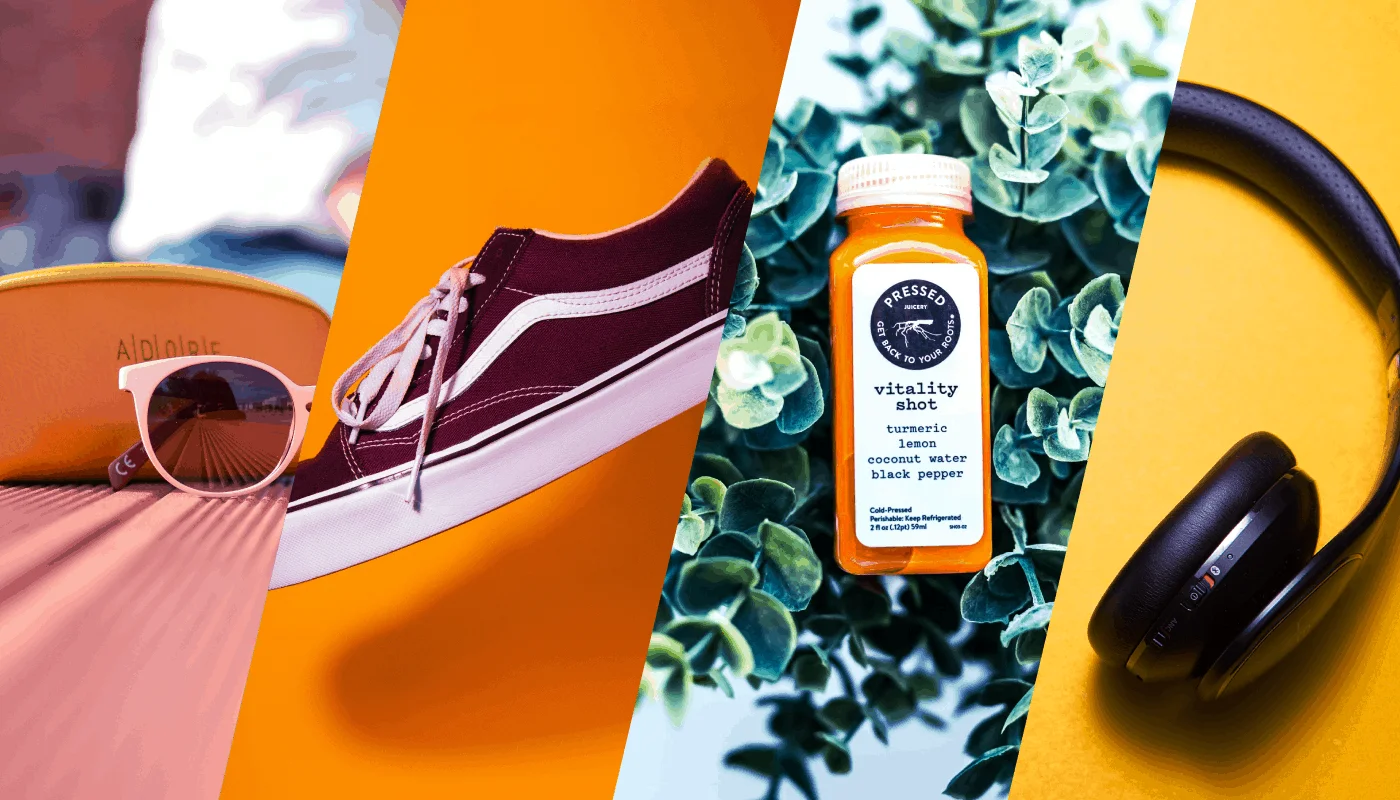
    Professional product image example for product photography on a budget

    Professional editing software is overkill for Amazon images. Free mobile apps handle everything you need.

    Essential Edits in 5 Minutes

    Step 1 – Crop and straighten: Open in Snapseed or Photoshop Express. Use grid overlay to ensure product is centered and level. Crop to 1:1 for main image. Leave 10% padding on all sides.

    Step 2 – Exposure adjustment: Brighten until background approaches pure white. Usually +0.5 to +1.0 exposure. Don’t blow out product highlights. Use selective adjustment if needed.

    Step 3 – Increase contrast: Add 10-20 points of contrast. This separates product from background, adds depth. Too much creates harsh edges. Find the sweet spot where product pops without looking artificial.

    Step 4 – Spot removal: Zoom to 100%. Remove dust, fingerprints, minor scratches. Don’t overdo it. Customers expect minor imperfections. Overly perfect products look fake.

    Step 5 – Sharpening: Apply subtle sharpening to entire image. 20-30% strength maximum. Oversharpening creates halos around edges. Mobile screens hide sharpening artifacts that desktop monitors reveal.

    Background Perfection Techniques

    Pure white backgrounds aren’t optional. Amazon’s algorithm checks. Here’s how to nail it every time:

    Gradual selection method: Use magic wand or quick selection tool. Select background in stages, not all at once. Refine edges with 1-2 pixel feather. Fill with pure white (255,255,255).

    Levels adjustment: Faster than selection for near-white backgrounds. Drag white point slider left until background hits 255. Watch histogram to avoid clipping product highlights.

    Automated tools: Remove.bg or Photoshop’s Select Subject. Works 80% of time for simple products. Always check edges at 100% zoom. Hair, fur, and transparent materials need manual cleanup.

    Color Accuracy Without Calibration

    Monitor calibration is photography nerd territory. You need color accuracy, not perfection. Here’s the shortcut:

    Include a gray card in one reference shot. Any neutral gray object works – back of a business card, gray shirt, concrete. Use this to set white balance across all images. Remove before final export.

    Check colors on multiple devices. Your phone, tablet, laptop. If product looks consistent across all three, you’re close enough. Customers view on uncalibrated screens anyway.

    For color-critical products (cosmetics, fashion), order your own product. Compare physical item to edited photos on same device customers use. Adjust until match is close. Perfect accuracy is impossible. Close enough prevents returns.

    Scaling Your DIY Operation

    Lifestyle product photography for Amazon listings

    One product takes 3 hours. Ten products shouldn’t take 30. Here’s how to scale efficiently.

    Batch Processing Workflows

    Shoot all products in one session: Setup time is 80% of effort. Once lights are positioned, shoot everything. Change only product, not setup. Mark floor with tape for consistent positioning.

    Create preset positions: Measure and document exact light placements. Distance from center, height from table, angle of beam. Recreate identical setup in minutes, not hours.

    Template your editing: Save adjustment settings after perfecting first image. Apply to entire batch, then tweak individually. Cuts editing time by 70%.

    Standardize file naming: Use batch renaming tools. IrfanView (Windows) or Name Mangler (Mac) rename hundreds of files in seconds. Consistent naming prevents upload errors.

    When to Shoot vs. Outsource

    DIY isn’t always the answer. Know when to outsource:

    Shoot yourself: Simple products under 12 inches. Solid colors. Non-reflective surfaces. Standard packaging. Items you can lift alone. Products needing frequent reshoots.

    Consider outsourcing: Highly reflective surfaces (mirrors, chrome). Large products requiring multiple people. Complex assembly showing functionality. Lifestyle shots with models. One-time hero SKUs.

    The hybrid approach works best. Shoot daily maintenance photos yourself. Outsource annual catalog updates. This cuts photography spend by 80% while maintaining professional standards where it matters.

    Building Systems for Consistency

    Consistency beats perfection in product photography on a budget. Create these systems:

    Setup checklist: Document every step. Light positions, camera settings, editing adjustments. Follow religiously. Creativity kills consistency.

    Product prep protocol: Clean with microfiber cloth. Remove stickers and tags. Iron fabric items. Charge electronic items. Prep prevents reshoots.

    Quality control process: View all images at 100% zoom. Check edges, shadows, color accuracy. Upload to test listing before going live. Catch errors before customers do.

    File organization system: Create folder structure: Date > Product > Raw/Edited/Final. Back up to cloud immediately. Lost images mean lost time and money.

    Common Mistakes That Tank Conversions

    Most sellers make the same five mistakes. Fix these and you’re ahead of 90% of competitors.

    Lighting Errors to Avoid

    Uneven lighting: Creates dark sides that hide product details. Always use two lights minimum. Single light source looks amateur, no matter how bright.

    Mixed color temperatures: Combining daylight and tungsten creates unfixable color casts. All lights must match. Replace mismatched bulbs before shooting.

    Harsh shadows: Direct light without diffusion creates hard edges. Always shoot through diffusion material. Light tent, white sheet, or parchment paper all work.

    Overexposure: Blowing out highlights loses product detail. Better to shoot slightly dark and brighten in editing. You can’t recover blown highlights.

    Composition Mistakes

    Inconsistent angles: Switching between straight-on and angled shots confuses customers. Pick one angle per listing and stick with it.

    Too much empty space: Wasting frame real estate reduces mobile visibility. Fill 80-85% of frame consistently.

    Cluttered backgrounds: Any non-white element distracts from product. Remove everything except product and intentional props.

    Poor prop selection: Props should enhance understanding, not decorate. Every element needs purpose. Pretty but purposeless props reduce conversion.

    Technical Issues

    Motion blur: Even tiny movements create softness. Use timer, stable surface, and avoid touching camera during exposure.

    Incorrect file format: TIFF files are huge and slow. GIF limits colors. Stick with JPEG for photos, PNG for graphics.

    Over-compression: Saving at low quality creates artifacts. Export at 80-90% JPEG quality. File size matters less than quality.

    Wrong aspect ratio: Non-square main images get cropped automatically. Always shoot and export 1:1 for main image.

    Related Articles

    • DIY Amazon Product Photography Setup: Build a $200 Studio That Gets Results
    • Product Photography Lighting for Amazon: Step-by-Step Setup Guide for Professional Results
    • Amazon Product Photography Pricing Breakdown: What Actually Drives ROI in 2024

    Frequently Asked Questions

    What smartphone cameras work best for product photography on a budget?

    Any smartphone from 2019 or newer shoots Amazon-compliant images. iPhone 11 or newer and Samsung S20 or newer produce exceptional results with proper lighting. The camera matters less than your lighting setup and stability. A 5-year-old phone with good lighting beats a brand new phone with poor lighting every time.

    How many lights do I really need for DIY product photography?

    Two LED panels handle 95% of products. Each should be 2000+ lumens at 5500K color temperature. Add a third light or reflector only for highly reflective products like jewelry or electronics with screens. More lights create more problems than they solve for beginners.

    Should I shoot RAW or JPEG for Amazon listings?

    Shoot JPEG unless you’re comfortable with RAW processing. Amazon requires JPEG uploads anyway, and mobile editing apps handle JPEG files better. RAW gives more editing flexibility but adds complexity and time that most sellers don’t need. Focus on getting the shot right in-camera instead.

    How do I photograph reflective products without showing myself?

    Position lights and camera outside the angle of reflection. Shoot from slightly above or to the side rather than straight-on. Use a light tent to create uniform white reflections instead of distinct light sources. For extreme cases, take multiple shots and composite out reflections in editing.

    What’s the minimum investment for product photography on a budget that actually works?

    $150 gets you a complete setup: light tent ($40), two LED panels ($70), backdrop material ($20), and basic tripod ($20). This produces professional results for 90% of products. Spend more only after mastering the basics and identifying specific limitations in your current setup.

  • Product Photography on a Budget: How to Shoot Amazon-Ready Images for Under $200

    Product Photography on a Budget: How to Shoot Amazon-Ready Images for Under $200

    You’re bleeding money on product photography. The average FBA seller drops $800-1500 per SKU on professional shoots, then watches their ACoS climb because the images don’t convert. Meanwhile, sellers who master product photography on a budget are hitting 15-20% conversion rates with setups that cost less than your monthly PPC burn.

    Here’s the math that should keep you up at night: A 2% bump in your main image CTR can drop your ACoS by 15-20%. That’s thousands saved monthly on a typical $10K ad spend. Yet most sellers treat product photography like a one-time expense instead of the conversion multiplier it actually is.

    This guide breaks down exactly how to build a professional photo setup for under $200 that produces images indistinguishable from $400-per-SKU studio shots. No theory. No fluff. Just the specific equipment, settings, and techniques that work.

    The Real Economics of DIY Product Photography

    Let’s talk ROI before we talk technique. Because if the numbers don’t make sense, nothing else matters.

    Professional Photography Cost Breakdown

    Professional Amazon photography runs $300-600 per SKU for the standard 7-image package. Add lifestyle shots, and you’re looking at $800-1200. For a catalog of 20 SKUs, that’s $16,000-24,000 in photography costs alone.

    But here’s what kills profitability: You need new shots every time you tweak your product, add a variant, or test different angles. Professional photographers charge $150-300 for reshoot sessions. Most sellers need 3-5 reshoots per year as they optimize listings based on data.

    The hidden costs compound fast. Rush fees when you need images for a lightning deal. Travel expenses if your photographer isn’t local. Props and models for lifestyle shots. Storage fees while inventory sits waiting for photos. The typical seller spends 40% more than their initial photography quote by year’s end.

    DIY Setup Investment Analysis

    A professional-grade DIY setup costs $150-200 total. Not per SKU. Total. Here’s the exact breakdown:

    • Light tent: $35-45
    • LED panel lights (2): $60-80
    • Backdrop materials: $20-30
    • Basic tripod: $25-35
    • Reflectors/diffusers: $15-25

    Your smartphone camera is already better than the DSLRs professionals used five years ago. The iPhone 13 Pro shoots 48-megapixel RAW files. The Samsung S22 Ultra has a 108-megapixel sensor. Both exceed Amazon’s image requirements by 500%.

    The payback period on DIY equipment is one SKU. After that, every product you shoot is pure margin. Reshoot as many times as you want. Test different angles without burning cash. Update images based on customer feedback without scheduling appointments.

    Time Investment vs. Outsourcing

    The average seller spends 12-15 hours coordinating professional photography per SKU. Finding photographers, negotiating rates, shipping products, reviewing proofs, requesting revisions, downloading files. That’s before you even upload to Seller Central.

    DIY shooting takes 2-3 hours per SKU once you nail the process. First few products might take 4-5 hours as you learn. But by product ten, you’re cranking out full 7-image sets in under two hours. Including editing.

    Here’s what matters: You control the timeline. Need images for tomorrow’s lightning deal? Shoot tonight. Want to test a new main image angle? Twenty minutes and you’re split-testing. Professional photographers book 2-3 weeks out. Markets move faster than that.

    Essential Equipment for Under $200

    Amazon listing image with graphic design overlays showing product photography on a budget

    Forget the gear porn. You need five things to shoot Amazon-compliant images. Everything else is marketing.

    Core Photography Equipment

    Light tent or shooting box ($35-45): Get a 24″ x 24″ minimum for most products. 32″ x 32″ if you sell larger items. The Neewer shooting tent on Amazon runs $38 and includes four backdrop colors. Don’t overthink this. The tent diffuses light and eliminates shadows. That’s all it needs to do.

    LED panel lights ($60-80 for pair): You need two panels minimum, 5500K color temperature, 2000+ lumens each. The Viltrox L116T panels run $35 each and include diffusion filters. Position at 45-degree angles to your product. Equal distance, equal height. This setup eliminates 90% of shadow issues.

    Seamless backdrop material ($20-30): White poster board works for small products. For larger items, get a roll of seamless paper from Savage or Superior. 53″ wide, 12 yards long, pure white. Costs $28 and lasts months. Create that infinite white background Amazon loves without post-processing.

    Skip the expensive camera. Your smartphone shoots better than you think. But you need stability.

    Smartphone Setup Specifics

    Tripod with smartphone mount ($25-35): The AmazonBasics 60-inch tripod includes a phone adapter and costs $28. Extends to eye level, collapses for storage. The phone mount is the critical piece. Spring-loaded, adjustable, fits any phone with case.

    Remote shutter or timer: Use your phone’s timer function or get a $10 Bluetooth remote. Touching the phone creates shake, even on a tripod. Set 2-second timer minimum. For detail shots, use 5-second timer to let vibrations settle.

    Manual camera app: Your default camera app sucks for product photography. Download Camera+ (iOS) or Open Camera (Android). Both free. You need manual control over ISO, shutter speed, and focus point. Auto mode creates inconsistent exposures across your image set.

    Free Tools That Save Thousands

    Photoshop Express or Snapseed: Both free, both handle 90% of edits you need. Crop to 1:1 aspect ratio. Adjust exposure and contrast. Remove dust spots. Export at 72 DPI, 1500×1500 pixels minimum for Amazon.

    Remove.bg: Automated background removal that actually works. Free tier gives you one image per month at full resolution, more at lower res. Perfect for creating transparent PNGs for A+ content. Saves 20 minutes per image versus manual masking.

    TinyPNG: Compress images without quality loss. Amazon limits file sizes to 10MB, but smaller loads faster. Faster load times improve mobile conversion rates. Free, unlimited use, cuts file sizes by 70% with zero visible difference.

    Setting Up Your DIY Photo Studio

    Diagram of Amazon listing image slots for product photography on a budget

    Location matters more than equipment. You need consistent conditions, not perfect ones.

    Choosing the Right Space

    Find a room with minimal natural light. Basement, interior bathroom, walk-in closet. Natural light changes throughout the day, creating inconsistent exposures. You want total control over lighting conditions.

    You need 6×6 feet minimum. 8×8 feet is better. The extra space lets you move lights without cramming. Set up against a wall to minimize backdrop curve. Leave 3 feet between backdrop and product for clean separation.

    Temperature matters for certain products. Chocolate, cosmetics, and candles need cool environments. Electronics need low humidity. Most products shoot fine at room temperature, but know your limitations. A melted lipstick doesn’t sell.

    Professional Lighting on Amateur Budget

    Two-point lighting solves 95% of amateur photography problems. Here’s the exact setup:

    Light 1 (Key light): Position 45 degrees to the right of your product, 2 feet away, 1 foot above product height. This creates primary illumination and subtle shadows for dimension.

    Light 2 (Fill light): Position 45 degrees to the left, 3 feet away, same height as product. Set to 70% intensity of key light. This fills shadows without eliminating them completely.

    For reflective products (jewelry, electronics), add a third element: white foam core positioned opposite your key light. Bounces light back to eliminate harsh reflections. Costs $5 at any craft store.

    Color temperature consistency beats brightness every time. All lights must be same temperature (5500K ideal). Mixed temperatures create color casts that destroy product accuracy. Customers return products that don’t match photos.

    Camera Settings That Matter

    Ignore 90% of photography advice. For Amazon product shots, only four settings matter:

    ISO: Keep at 100-200 maximum. Higher creates noise that looks amateur. Better to add more light than boost ISO.

    Aperture: Not adjustable on most phones, but if you have control, shoot at f/5.6-f/8. Keeps entire product in focus without being too sharp.

    Shutter speed: 1/60 second minimum with tripod. Faster if hand-holding (don’t). Slower creates motion blur from tiny vibrations.

    Focus: Tap to focus on product center. Lock focus before shooting. Auto-focus hunts between shots, creating inconsistent sharpness across image set.

    White balance should be set to daylight (5500K) to match your LED panels. Auto white balance shifts between shots. Consistency matters more than perfect accuracy.

    Shooting Techniques for Maximum Conversion

    Amazon’s algorithm rewards specific image types. Shoot for the algorithm, not artistic merit.

    Main Image Optimization

    Your main image drives 70% of click-through rate. Mess this up and nothing else matters. Amazon requires pure white background (RGB 255,255,255), but that’s just the start.

    Fill 85% of frame with product. More creates claustrophobia. Less wastes mobile real estate. Measure this. Screenshot competitor listings, overlay grid, match their fill percentage.

    Shoot straight-on for most products. Three-quarter angle only if it shows critical features. Kitchen products need to show capacity. Electronics need to show ports. Beauty products need to show packaging design. Default to straight-on unless angle adds critical information.

    Natural shadows beat floating products. Position product 6 inches from backdrop. Light creates soft shadow underneath. This grounds the product, makes it feel real. Floating products look like bad Photoshop jobs.

    Secondary Image Strategy

    Images 2-7 tell your product story. Each needs specific purpose:

    Image 2 – Lifestyle context: Show product in use or natural environment. Kitchen gadgets on counter with ingredients. Electronics on desk with peripherals. This isn’t about pretty. It’s about helping customers visualize ownership.

    Image 3 – Size reference: Include common object for scale. Hand for small items. Person for large items. Coins, credit cards, or phones for precise scale. Customers can’t judge size from main image alone.

    Image 4 – Feature callouts: Close-up of unique features with text overlay. Keep text under 20% of image area to stay Amazon-compliant. Use arrows, not descriptions. Show, don’t tell.

    Image 5 – What’s included: Flat lay of everything in package. Every cable, manual, accessory. Spread items with space between. Customers hate surprises. Show exactly what arrives.

    Technical Specifications for Upload

    Amazon accepts JPEG, PNG, GIF, and TIFF. Use JPEG for photos, PNG for graphics with text. Specific requirements that matter:

    • Minimum dimensions: 1000×1000 pixels (1500×1500 recommended for zoom)
    • Maximum file size: 10MB per image
    • Color space: sRGB only (not Adobe RGB)
    • Aspect ratio: 1:1 for main image, any ratio for secondary

    Name files strategically. Amazon preserves filenames in backend. Use this format: ASIN_ImageNumber_Feature.jpg. Example: B08XYZ123_02_Lifestyle.jpg. Makes finding images later much easier.

    Post-Processing Without Photoshop

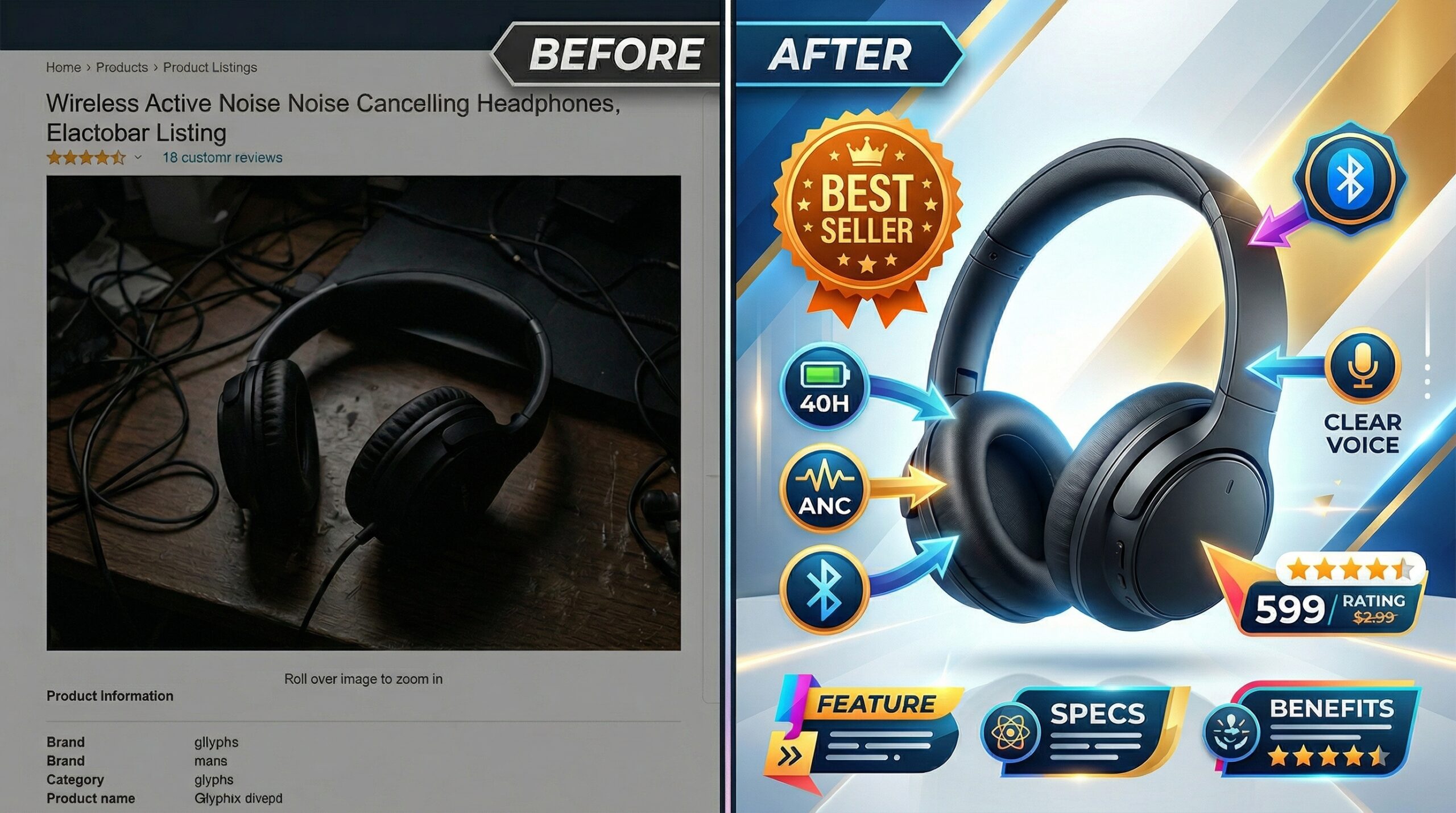
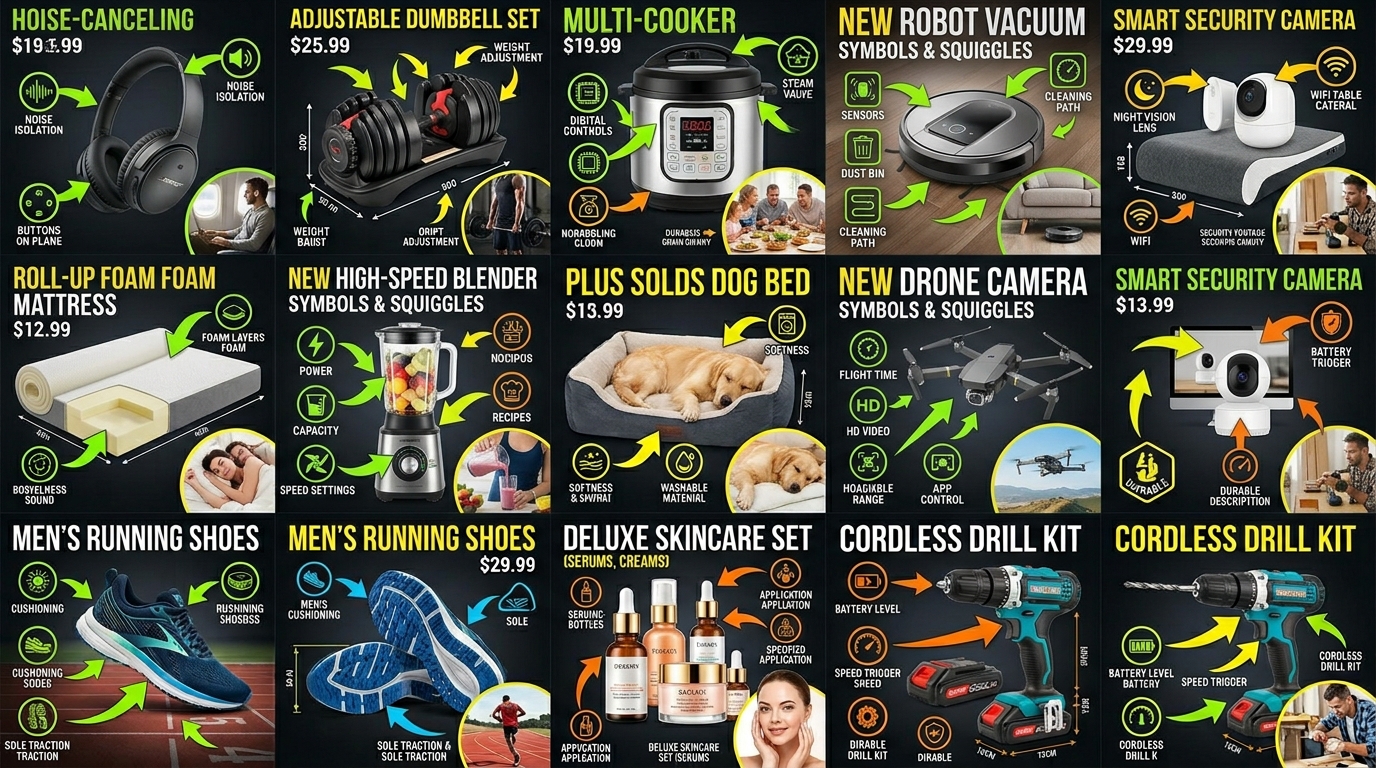
    Grid of optimized Amazon product listing images across categories

    Professional editing software is overkill for Amazon images. Free mobile apps handle everything you need.

    Essential Edits in 5 Minutes

    Step 1 – Crop and straighten: Open in Snapseed or Photoshop Express. Use grid overlay to ensure product is centered and level. Crop to 1:1 for main image. Leave 10% padding on all sides.

    Step 2 – Exposure adjustment: Brighten until background approaches pure white. Usually +0.5 to +1.0 exposure. Don’t blow out product highlights. Use selective adjustment if needed.

    Step 3 – Increase contrast: Add 10-20 points of contrast. This separates product from background, adds depth. Too much creates harsh edges. Find the sweet spot where product pops without looking artificial.

    Step 4 – Spot removal: Zoom to 100%. Remove dust, fingerprints, minor scratches. Don’t overdo it. Customers expect minor imperfections. Overly perfect products look fake.

    Step 5 – Sharpening: Apply subtle sharpening to entire image. 20-30% strength maximum. Oversharpening creates halos around edges. Mobile screens hide sharpening artifacts that desktop monitors reveal.

    Background Perfection Techniques

    Pure white backgrounds aren’t optional. Amazon’s algorithm checks. Here’s how to nail it every time:

    Gradual selection method: Use magic wand or quick selection tool. Select background in stages, not all at once. Refine edges with 1-2 pixel feather. Fill with pure white (255,255,255).

    Levels adjustment: Faster than selection for near-white backgrounds. Drag white point slider left until background hits 255. Watch histogram to avoid clipping product highlights.

    Automated tools: Remove.bg or Photoshop’s Select Subject. Works 80% of time for simple products. Always check edges at 100% zoom. Hair, fur, and transparent materials need manual cleanup.

    Color Accuracy Without Calibration

    Monitor calibration is photography nerd territory. You need color accuracy, not perfection. Here’s the shortcut:

    Include a gray card in one reference shot. Any neutral gray object works – back of a business card, gray shirt, concrete. Use this to set white balance across all images. Remove before final export.

    Check colors on multiple devices. Your phone, tablet, laptop. If product looks consistent across all three, you’re close enough. Customers view on uncalibrated screens anyway.

    For color-critical products (cosmetics, fashion), order your own product. Compare physical item to edited photos on same device customers use. Adjust until match is close. Perfect accuracy is impossible. Close enough prevents returns.

    Scaling Your DIY Operation

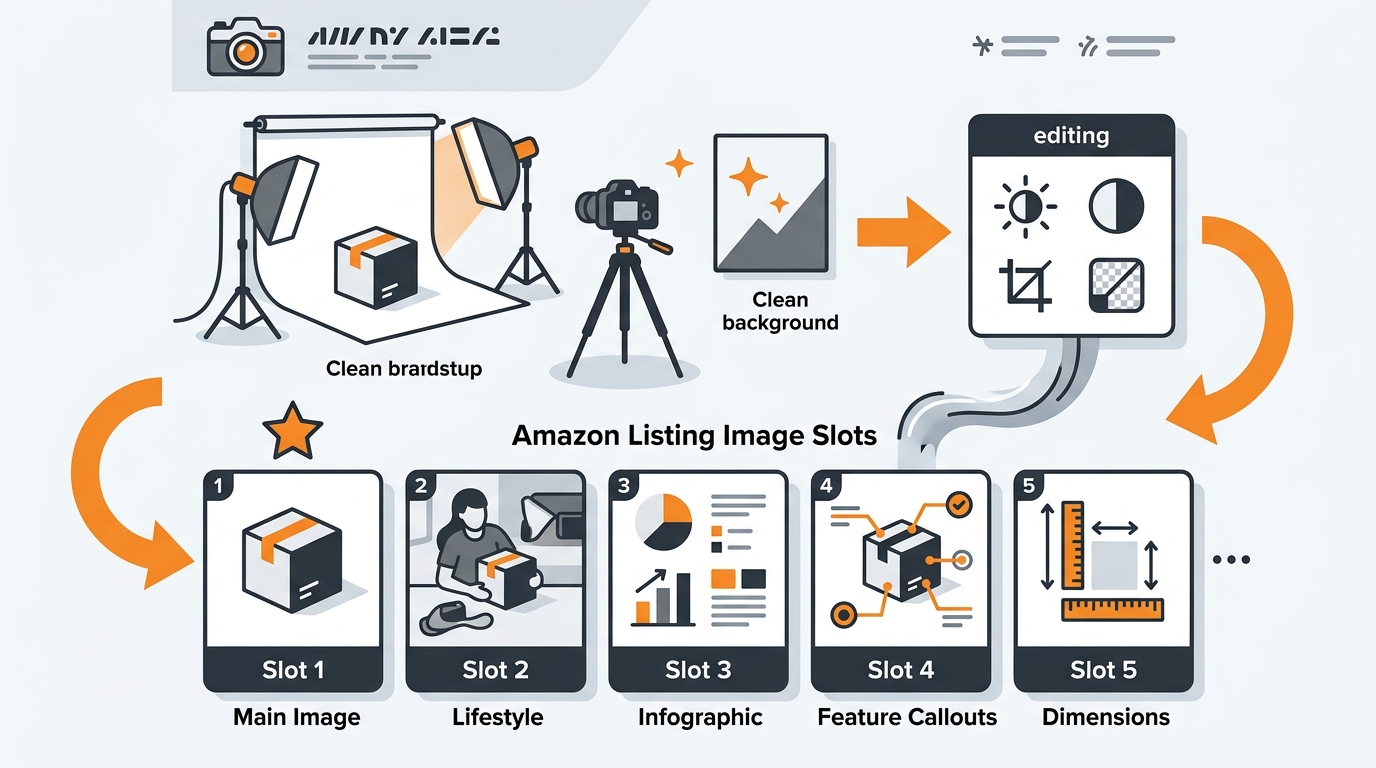
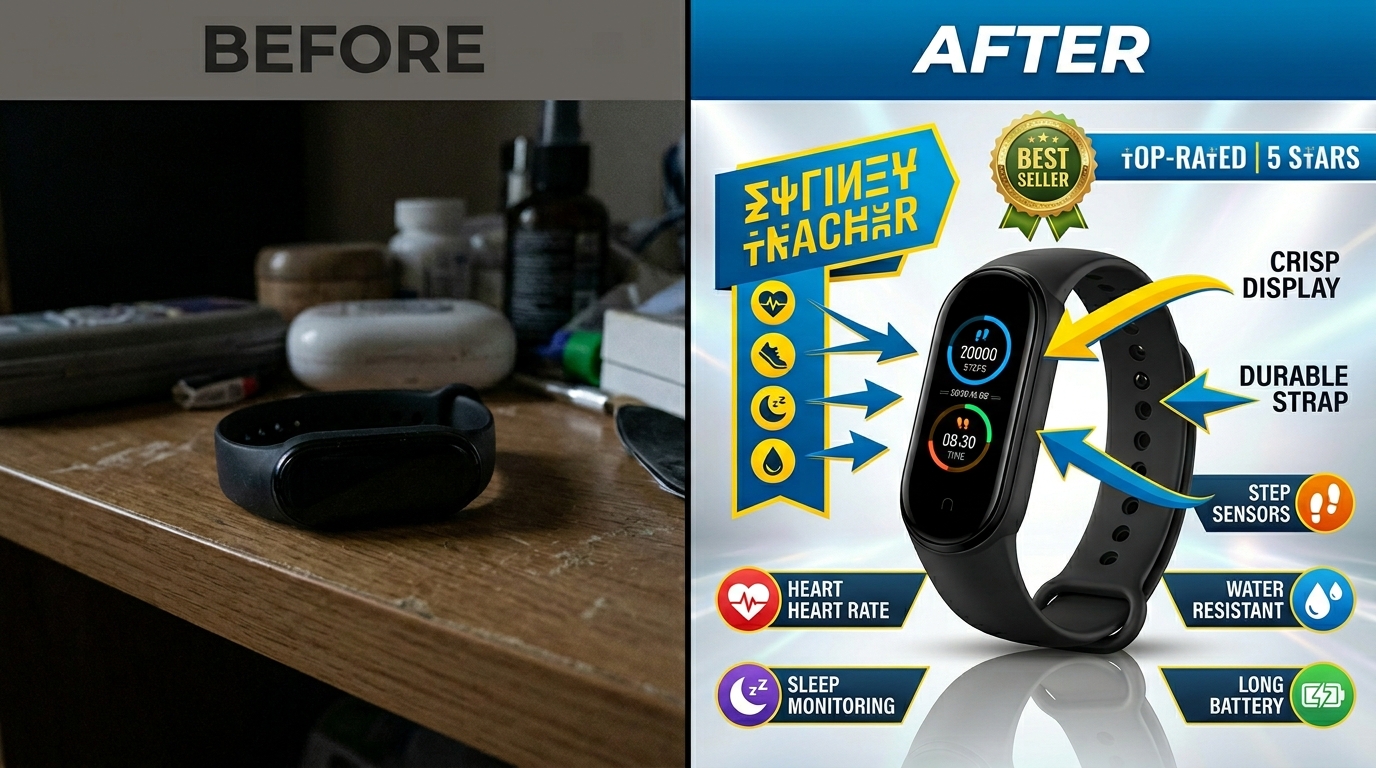
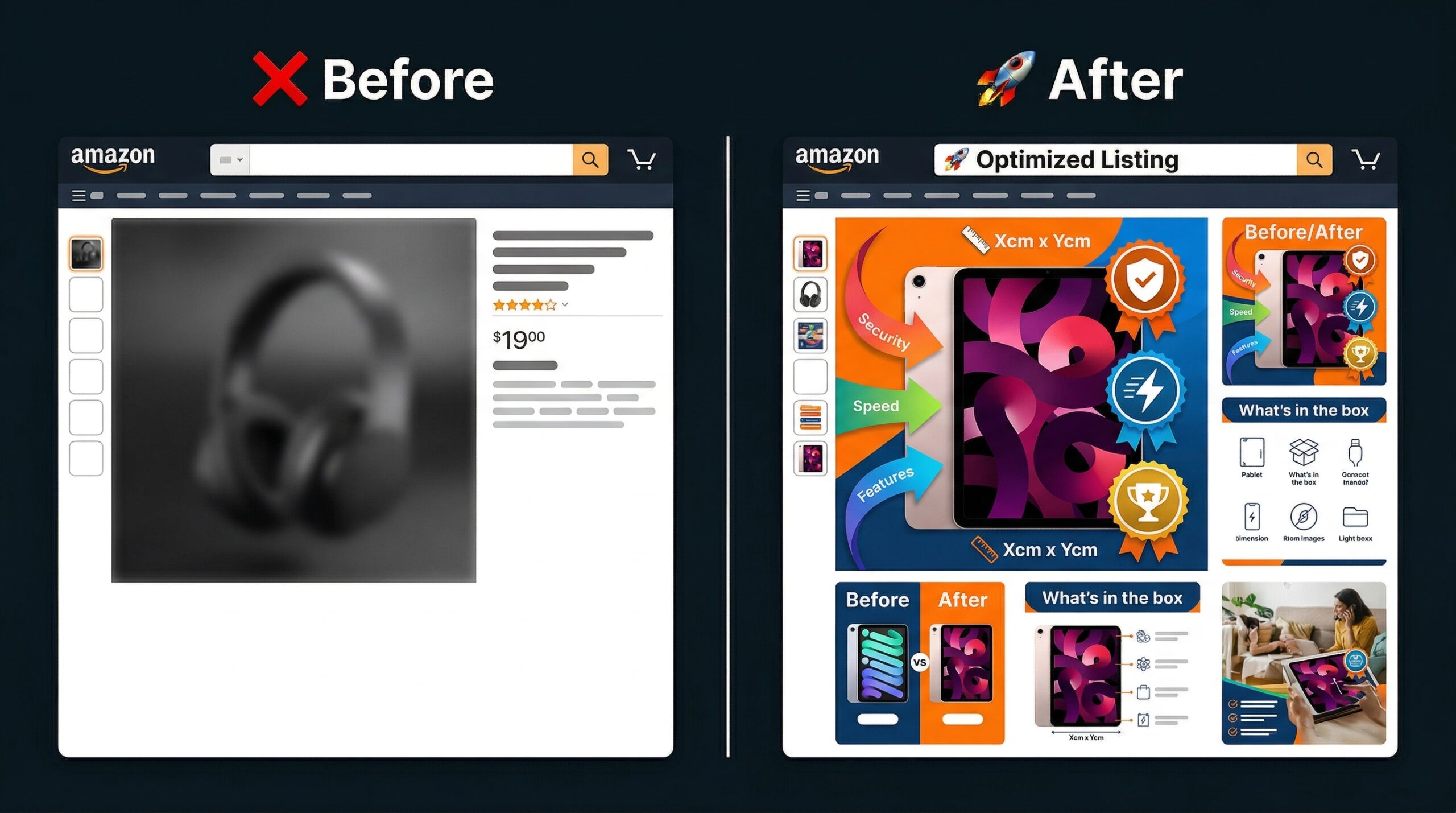
    Before and after comparison of amateur versus optimized Amazon listing image

    One product takes 3 hours. Ten products shouldn’t take 30. Here’s how to scale efficiently.

    Batch Processing Workflows

    Shoot all products in one session: Setup time is 80% of effort. Once lights are positioned, shoot everything. Change only product, not setup. Mark floor with tape for consistent positioning.

    Create preset positions: Measure and document exact light placements. Distance from center, height from table, angle of beam. Recreate identical setup in minutes, not hours.

    Template your editing: Save adjustment settings after perfecting first image. Apply to entire batch, then tweak individually. Cuts editing time by 70%.

    Standardize file naming: Use batch renaming tools. IrfanView (Windows) or Name Mangler (Mac) rename hundreds of files in seconds. Consistent naming prevents upload errors.

    When to Shoot vs. Outsource

    DIY isn’t always the answer. Know when to outsource:

    Shoot yourself: Simple products under 12 inches. Solid colors. Non-reflective surfaces. Standard packaging. Items you can lift alone. Products needing frequent reshoots.

    Consider outsourcing: Highly reflective surfaces (mirrors, chrome). Large products requiring multiple people. Complex assembly showing functionality. Lifestyle shots with models. One-time hero SKUs.

    The hybrid approach works best. Shoot daily maintenance photos yourself. Outsource annual catalog updates. This cuts photography spend by 80% while maintaining professional standards where it matters.

    Building Systems for Consistency

    Consistency beats perfection in product photography on a budget. Create these systems:

    Setup checklist: Document every step. Light positions, camera settings, editing adjustments. Follow religiously. Creativity kills consistency.

    Product prep protocol: Clean with microfiber cloth. Remove stickers and tags. Iron fabric items. Charge electronic items. Prep prevents reshoots.

    Quality control process: View all images at 100% zoom. Check edges, shadows, color accuracy. Upload to test listing before going live. Catch errors before customers do.

    File organization system: Create folder structure: Date > Product > Raw/Edited/Final. Back up to cloud immediately. Lost images mean lost time and money.

    Common Mistakes That Tank Conversions

    Most sellers make the same five mistakes. Fix these and you’re ahead of 90% of competitors.

    Lighting Errors to Avoid

    Uneven lighting: Creates dark sides that hide product details. Always use two lights minimum. Single light source looks amateur, no matter how bright.

    Mixed color temperatures: Combining daylight and tungsten creates unfixable color casts. All lights must match. Replace mismatched bulbs before shooting.

    Harsh shadows: Direct light without diffusion creates hard edges. Always shoot through diffusion material. Light tent, white sheet, or parchment paper all work.

    Overexposure: Blowing out highlights loses product detail. Better to shoot slightly dark and brighten in editing. You can’t recover blown highlights.

    Composition Mistakes

    Inconsistent angles: Switching between straight-on and angled shots confuses customers. Pick one angle per listing and stick with it.

    Too much empty space: Wasting frame real estate reduces mobile visibility. Fill 80-85% of frame consistently.

    Cluttered backgrounds: Any non-white element distracts from product. Remove everything except product and intentional props.

    Poor prop selection: Props should enhance understanding, not decorate. Every element needs purpose. Pretty but purposeless props reduce conversion.

    Technical Issues

    Motion blur: Even tiny movements create softness. Use timer, stable surface, and avoid touching camera during exposure.

    Incorrect file format: TIFF files are huge and slow. GIF limits colors. Stick with JPEG for photos, PNG for graphics.

    Over-compression: Saving at low quality creates artifacts. Export at 80-90% JPEG quality. File size matters less than quality.

    Wrong aspect ratio: Non-square main images get cropped automatically. Always shoot and export 1:1 for main image.

    Related Articles

    • DIY Amazon Product Photography Setup: Build a $200 Studio That Gets Results
    • Product Photography Lighting for Amazon: Step-by-Step Setup Guide for Professional Results
    • Amazon Product Photography Pricing Breakdown: What Actually Drives ROI in 2024

    Frequently Asked Questions

    What smartphone cameras work best for product photography on a budget?

    Any smartphone from 2019 or newer shoots Amazon-compliant images. iPhone 11 or newer and Samsung S20 or newer produce exceptional results with proper lighting. The camera matters less than your lighting setup and stability. A 5-year-old phone with good lighting beats a brand new phone with poor lighting every time.

    How many lights do I really need for DIY product photography?

    Two LED panels handle 95% of products. Each should be 2000+ lumens at 5500K color temperature. Add a third light or reflector only for highly reflective products like jewelry or electronics with screens. More lights create more problems than they solve for beginners.

    Should I shoot RAW or JPEG for Amazon listings?

    Shoot JPEG unless you’re comfortable with RAW processing. Amazon requires JPEG uploads anyway, and mobile editing apps handle JPEG files better. RAW gives more editing flexibility but adds complexity and time that most sellers don’t need. Focus on getting the shot right in-camera instead.

    How do I photograph reflective products without showing myself?

    Position lights and camera outside the angle of reflection. Shoot from slightly above or to the side rather than straight-on. Use a light tent to create uniform white reflections instead of distinct light sources. For extreme cases, take multiple shots and composite out reflections in editing.

    What’s the minimum investment for product photography on a budget that actually works?

    $150 gets you a complete setup: light tent ($40), two LED panels ($70), backdrop material ($20), and basic tripod ($20). This produces professional results for 90% of products. Spend more only after mastering the basics and identifying specific limitations in your current setup.
  • DIY Amazon Product Photography Setup: Build a $200 Studio That Gets Results

    DIY Amazon Product Photography Setup: Build a $200 Studio That Gets Results

    Professional Amazon product photography doesn’t require a $10,000 studio investment. You need clean, consistent images that drive conversions and keep your ACoS under control. A DIY Amazon product photography setup built for under $200 can deliver the image quality that gets clicks and sales.

    Here’s the math that matters: poor product images tank your CTR by 40-60% compared to optimized listings. That translates to higher PPC costs, lower organic ranking, and missed sales. A seller moving 100 units monthly at $25 each loses roughly $750 in revenue per month from subpar images. Your photography setup pays for itself in 3-4 weeks.

    This guide walks through building a functional product photography setup that meets Amazon’s technical requirements and delivers the visual impact your listings need to compete.

    Essential Equipment for Your DIY Amazon Photography Setup

    Camera Equipment That Actually Matters

    Skip the gear obsession. Amazon product photography demands sharp, well-lit images with accurate colors. A DSLR or mirrorless camera with manual controls beats a smartphone for consistency and file quality. The Canon EOS Rebel T7 ($350) or Nikon D3500 ($400) handle most product photography needs without breaking budgets.

    Your lens choice impacts everything. A 50mm prime lens ($100-150) delivers sharp results with minimal distortion. Avoid kit lenses for main images. They create softness that hurts conversion rates.

    For budget builds under $200, a high-end smartphone with manual camera controls works. The iPhone 13 Pro or Samsung Galaxy S22 Ultra produce usable results with proper lighting. Use a dedicated camera app like VSCO or Adobe Lightroom Mobile for manual exposure control.

    How Many Images For Amazon Listing covers this in more detail.

    Lighting Equipment That Drives Conversions

    Lighting separates amateur shots from professional results. Amazon’s A10 algorithm favors listings with bright, evenly-lit main images. Poor lighting creates shadows that obscure product details and reduce click-through rates.

    Build your lighting kit with these components:

    • Two continuous LED panels (Neewer 660 LED, $45 each) – consistent color temperature at 5600K
    • Light stands (Neewer 6-foot stands, $25 each) – adjustable height for angle control
    • Softbox diffusers (24-inch square, $15 each) – eliminates harsh shadows
    • Reflector disc (43-inch 5-in-1, $20) – fills shadows and adds catchlight

    Total lighting investment: $175. This setup produces the even, shadowless lighting that Amazon main images require.

    Support Equipment and Accessories

    Stability and precision separate good images from great ones. A sturdy tripod ($40-60) eliminates camera shake and maintains consistent framing between shots. The Manfrotto Compact Action tripod balances price and performance.

    Add these accessories for professional results:

    • Wireless camera remote ($15) – eliminates camera movement during shooting
    • Gray card set ($10) – ensures accurate white balance and exposure
    • Lens cleaning kit ($12) – maintains sharp image quality

    These small investments prevent the technical issues that force expensive reshoots.

    Setting Up Your Photography Space

    Amazon listing image design for diy amazon product photography setup

    Space Requirements and Layout Planning

    Amazon product photography needs consistent conditions. A dedicated 8×8 foot space with white walls provides the control you need. Avoid rooms with colored walls or mixed lighting sources. They create color casts that require extensive post-processing.

    Position your setup near a large window for supplemental natural light, but don’t rely on it as your primary source. Window light changes throughout the day, making color matching between product shots nearly impossible.

    Layout your space with these measurements:

    • Camera position: 4-6 feet from product
    • Background distance: 3-4 feet behind product
    • Light placement: 45-degree angles, 3-4 feet from product

    This configuration provides the working room needed for different product sizes while maintaining consistent lighting ratios.

    Background and Surface Setup

    Amazon’s main image requirements demand clean white backgrounds. A seamless white backdrop creates the infinite white background that meets platform standards. Use a 9-foot wide seamless paper roll ($25) mounted on a backdrop stand system ($45).

    For smaller products under 12 inches, a white acrylic shooting table ($60) provides both surface and background in one piece. The curved design eliminates visible horizon lines that break Amazon’s clean aesthetic requirements.

    Surface materials matter for different product categories:

    • Electronics: Matte white acrylic prevents reflections
    • Beauty products: Gloss white acrylic adds premium feel
    • Supplements: Textured white paper reduces glare from plastic bottles
    • Kitchen items: Seamless paper allows easy cleanup between shots

    Match your surface choice to your primary product category for optimal results.

    Lighting Positioning and Setup

    Professional lighting follows specific patterns that highlight product features while maintaining clean shadows. The key light and fill light setup provides the controlled lighting Amazon images demand.

    Position your main light at a 45-degree angle to the product, 3-4 feet away. This creates dimensional lighting that shows product shape without harsh shadows. Place your fill light at the opposite 45-degree angle at 50% power to soften shadows without eliminating them completely.

    Use your reflector to bounce light back into shadow areas. Position it opposite your key light, closer to the product. This technique reduces shadow density while maintaining the dimensional quality that makes products look three-dimensional on screen.

    Measure your lighting with a smartphone light meter app. Aim for even exposure across your product with no more than a 1-stop difference between highlights and shadows. This ratio provides the balanced lighting that converts browsers into buyers.

    Camera Settings and Technical Requirements

    Visual guide to diy amazon product photography setup

    Essential Camera Settings for Amazon Images

    Amazon’s technical requirements drive your camera settings. Manual mode provides the control needed for consistent results across multiple product shots. Auto modes create exposure variations that make product matching difficult in post-processing.

    Start with these baseline settings:

    • ISO 100-200: Minimizes noise for clean image quality
    • f/8-f/11: Provides sharp focus across the entire product
    • Shutter speed 1/60s or faster: Eliminates motion blur
    • Manual focus: Ensures consistent focus point between shots

    White balance matters more than most sellers realize. Set your camera to 5600K (daylight) to match your LED panel color temperature. Poor white balance creates color casts that require correction and slow down your workflow.

    Shoot in RAW format when possible. RAW files contain more image data for post-processing corrections and maintain quality better than compressed JPEGs. Amazon accepts TIFF and JPEG formats, but RAW gives you flexibility during editing.

    Focus and Composition Techniques

    Amazon main images follow specific composition rules that impact click-through rates. Products should fill 80-85% of the frame without touching edges. This sizing provides visual impact while meeting Amazon’s image technical requirements.

    Focus on the product’s most important feature. For electronics, focus on the front panel or screen. For supplements, focus on the label text. For beauty products, focus on the brand name or key ingredient callout.

    Use single-point autofocus rather than multi-point systems. Single-point focus puts sharpness exactly where you need it without camera guessing. Place your focus point on the product element customers examine first when evaluating purchase decisions.

    Check focus accuracy by zooming to 100% on your camera’s LCD screen. Soft focus kills conversions faster than poor lighting. If you can’t achieve sharp focus across your entire product, increase your aperture to f/11 or f/16 for extended depth of field.

    File Format and Resolution Standards

    Amazon’s file requirements balance image quality with page loading speed. Shoot at your camera’s highest resolution, then resize for upload. High-resolution source files provide flexibility for different image sizes and future listing updates.

    Amazon accepts these technical specifications:

    • Minimum resolution: 1000 pixels on the longest side
    • Recommended resolution: 2000+ pixels for zoom functionality
    • Maximum file size: 10MB per image
    • Accepted formats: JPEG, TIFF, PNG, GIF

    JPEG format at 90-95% quality provides the best balance of file size and image quality. Lower quality settings introduce compression artifacts that reduce perceived product quality. Higher settings create unnecessarily large files that slow page loading.

    Save your edited images with descriptive file names that include your SKU. Amazon’s system processes images faster with proper naming conventions, reducing the time between upload and listing activation.

    Lighting Techniques for Different Product Types

    Amazon listing image design examples

    Flat Lay Products and Small Items

    Supplements, books, and flat products require different lighting approaches than dimensional items. Overhead lighting setups work best for flat lay compositions that show multiple angles or product contents.

    Mount your camera directly above the product using a boom arm or overhead camera mount. Position two lights at 45-degree angles from opposite sides, pointing down at the product. This creates even illumination without directional shadows.

    For supplement bottles and beauty products, add a third light from the front to illuminate label text clearly. Poor label readability reduces conversion rates by 20-30% according to Amazon listing optimization studies. Customers need to read ingredient lists and usage instructions before purchasing.

    Use a large softbox or diffusion panel between your lights and the product. Small products reflect light sources directly, creating hotspots that obscure product details. Diffused lighting eliminates these reflections while maintaining the brightness Amazon’s algorithm favors.

    Dimensional Products and Electronics

    Electronics, kitchen gadgets, and dimensional products need lighting that shows form and function. Three-point lighting provides the professional look that builds trust and drives conversions.

    Your key light highlights the product’s main features. Position it at a 45-degree angle, slightly above product level. This angle shows dimensional details while creating subtle shadows that define product shape.

    Add a fill light at the opposite 45-degree angle at 50% power. This softens shadows without eliminating them completely. Completely flat lighting makes products look cheap and reduces perceived value.

    Include a background light pointed at your backdrop to ensure pure white backgrounds. Underexposed backgrounds appear gray in Amazon listings, violating main image requirements and reducing click-through rates.

    For products with screens or reflective surfaces, angle your lights to avoid direct reflections. Use flags or barn doors to control light spill that creates unwanted reflections or lens flare.

    Reflective and Challenging Surfaces

    Beauty products, chrome surfaces, and glassware present unique lighting challenges. Reflections can obscure product details or create distracting visual elements that reduce listing performance.

    Use polarizing filters on your camera lens to reduce reflections from non-metallic surfaces. Polarizing filters cut reflections by 60-80% while maintaining color saturation and contrast.

    For highly reflective products, create a light tent using white fabric or diffusion material. Surround the product with diffused light sources to create even, reflection-free illumination. This technique works especially well for jewelry, watches, and metallic products.

    Large softboxes positioned close to the product create broad, even light sources that minimize harsh reflections. Small light sources create defined reflections that distract from product features customers need to evaluate.

    Consider the product’s intended use environment when lighting reflective items. Kitchen appliances should look bright and clean. Beauty products should have subtle glamour lighting that suggests premium quality.

    Post-Processing and Image Optimization

    Before and after listing image comparison

    Basic Editing for Amazon Standards

    Post-processing changes good product photos into conversion-driving Amazon images. Focus on technical corrections rather than artistic enhancements. Amazon customers want accurate product representation, not creative photography.

    Start with these essential adjustments in Adobe Lightroom or Photoshop:

    • Exposure correction: Brighten underexposed images without clipping highlights
    • White balance adjustment: Ensure accurate colors that match real product appearance
    • Contrast optimization: Add subtle contrast to make products appear more dimensional
    • Sharpening: Apply moderate sharpening for crisp product details

    Avoid heavy editing that changes product appearance. Amazon’s policies prohibit misleading imagery, and customers return products that don’t match listing photos. Accurate representation builds trust and reduces return rates.

    Background removal creates the clean white backgrounds Amazon main images require. Use Photoshop’s pen tool for precise selections, especially around complex product edges. Automated background removal tools often leave artifacts that look unprofessional in listings.

    Color Correction and Consistency

    Consistent color representation across your entire product line builds brand recognition and customer trust. Develop a standard editing workflow that produces similar color profiles for related products.

    Use gray cards photographed with your product to set accurate white balance in post-processing. This ensures colors match the actual product customers receive, reducing returns and negative reviews related to color expectations.

    Monitor calibration affects how your edited images appear to customers. Use a hardware monitor calibration tool to ensure your screen displays colors accurately. Uncalibrated monitors lead to color corrections that look wrong on customer devices.

    Save custom presets for different product categories. Electronics might need cooler color temperatures, while beauty products benefit from warmer tones. Consistent color treatment across product categories improves overall brand presentation.

    File Optimization and Upload Preparation

    Optimize file sizes without sacrificing image quality for faster page loading and better user experience. Amazon’s algorithm considers page loading speed as a ranking factor, making file optimization important for organic visibility.

    Export images at 2000 pixels on the longest side for optimal zoom functionality. This resolution enables Amazon’s image zoom feature while keeping file sizes manageable. Smaller images disable zoom and reduce customer confidence in product details.

    Use these compression settings for optimal results:

    • JPEG quality: 90-95% for photographic products
    • Color space: sRGB for consistent display across devices
    • Resolution: 72 PPI for web display
    • Progressive encoding: Enables faster image loading on slow connections

    Name your files systematically using SKUs and descriptive terms. Amazon’s backend systems process properly named files more efficiently, reducing upload errors and processing delays.

    Quality Control and Testing Your Setup

    Image Quality Assessment Standards

    Objective quality standards prevent wasted time on subpar images that hurt conversion rates. Develop a checklist that covers technical requirements and visual impact factors before uploading images to Amazon.

    Technical quality requirements include:

    • Sharp focus across entire product at 100% magnification
    • Even exposure with detail in highlights and shadows
    • Accurate colors that match actual product appearance
    • Clean white background with no visible texture or color cast
    • Proper product sizing at 80-85% of frame area

    Visual impact factors that drive conversions:

    • Clear product differentiation from competitor listings
    • Highlighted key features customers evaluate before purchase
    • Professional appearance that builds brand trust
    • Consistent lighting and composition across product line

    Test your images by viewing them at thumbnail size on Amazon search results. Products that stand out in search results get more clicks and higher conversion rates.

    A/B Testing Your Photography Results

    Data-driven image optimization beats guesswork every time. A/B test different photography approaches to identify what drives better performance for your specific products and target audience.

    Test these variables systematically:

    • Lighting angles: Front-lit vs. side-lit products
    • Background treatments: Pure white vs. subtle shadows
    • Product angles: Straight-on vs. three-quarter views
    • Composition: Tight framing vs. more negative space

    Run tests for minimum 2-week periods to account for traffic variations and seasonal factors. Track CTR, conversion rate, and ACoS changes to measure real impact on business metrics.

    Amazon’s Brand Analytics provides click and conversion data for testing image performance. Use this data to refine your photography approach and improve results over time.

    Scaling Your DIY Photography Operation

    Efficient workflows become critical as your product catalog grows. Standardize your photography process to maintain quality while increasing output speed.

    Develop product-specific setup templates that document camera settings, lighting positions, and composition guidelines. This standardization allows consistent results even when photographing products months apart.

    Batch photography sessions by product category to minimize setup changes. Photograph all supplements together, then all electronics, then all beauty products. This approach reduces setup time and maintains consistent lighting conditions within product categories.

    Track time investment per product to understand when outsourcing becomes cost-effective. If your DIY Amazon product photography setup requires more than 30 minutes per product including editing, professional services might provide better ROI for high-volume sellers.

    Consider upgrading equipment gradually as volume increases. Start with basic lighting, then add specialized equipment for challenging product types as your catalog expands into new categories.

    Related Reading

    Related Reading

    Related Reading

    Related Reading

    Related Reading

    Frequently Asked Questions

    How much should I budget for a complete DIY Amazon product photography setup?

    A functional setup costs $150-250 depending on camera choice. Budget $175 for lighting equipment, $50-75 for backdrop and surface materials, and $25-40 for tripod and accessories. Add $200-400 for a dedicated camera if your smartphone doesn’t deliver professional results. This investment pays for itself in 3-4 weeks through improved conversion rates.

    Can I use natural window light instead of artificial lighting for product photography?

    Natural light creates inconsistent results that make color matching between products impossible. Window light changes color temperature and intensity throughout the day, making standardized editing workflows ineffective. Artificial LED lighting provides the consistency needed for professional Amazon listings. Use window light as supplemental fill light only, never as your primary source.

    What camera settings work best for small products like supplements or jewelry?

    Use f/8-f/11 for adequate depth of field, ISO 100-200 for clean image quality, and manual focus on the product label or key feature. Shoot at your camera’s highest resolution for maximum detail capture. Small products need macro focusing capabilities or close-focusing lenses to fill the frame adequately while maintaining sharp focus across the entire product.

    How do I know if my product images meet Amazon’s technical requirements?

    Amazon requires minimum 1000 pixels on the longest side, pure white backgrounds for main images, and accurate product representation without misleading enhancements. Check image quality by viewing at 100% magnification for sharp focus and examining backgrounds for color casts or visible texture. Use Amazon’s image upload tool to verify technical compliance before listing activation.

    Should I invest in expensive professional lighting or start with budget equipment?

    Start with quality budget equipment that provides consistent results rather than expensive gear with features you don’t need. Two LED panels with softboxes deliver better results than one expensive strobe light. Focus your budget on even, controllable lighting rather than maximum power output. Upgrade individual components as your volume increases and you identify specific limitations in your current setup.