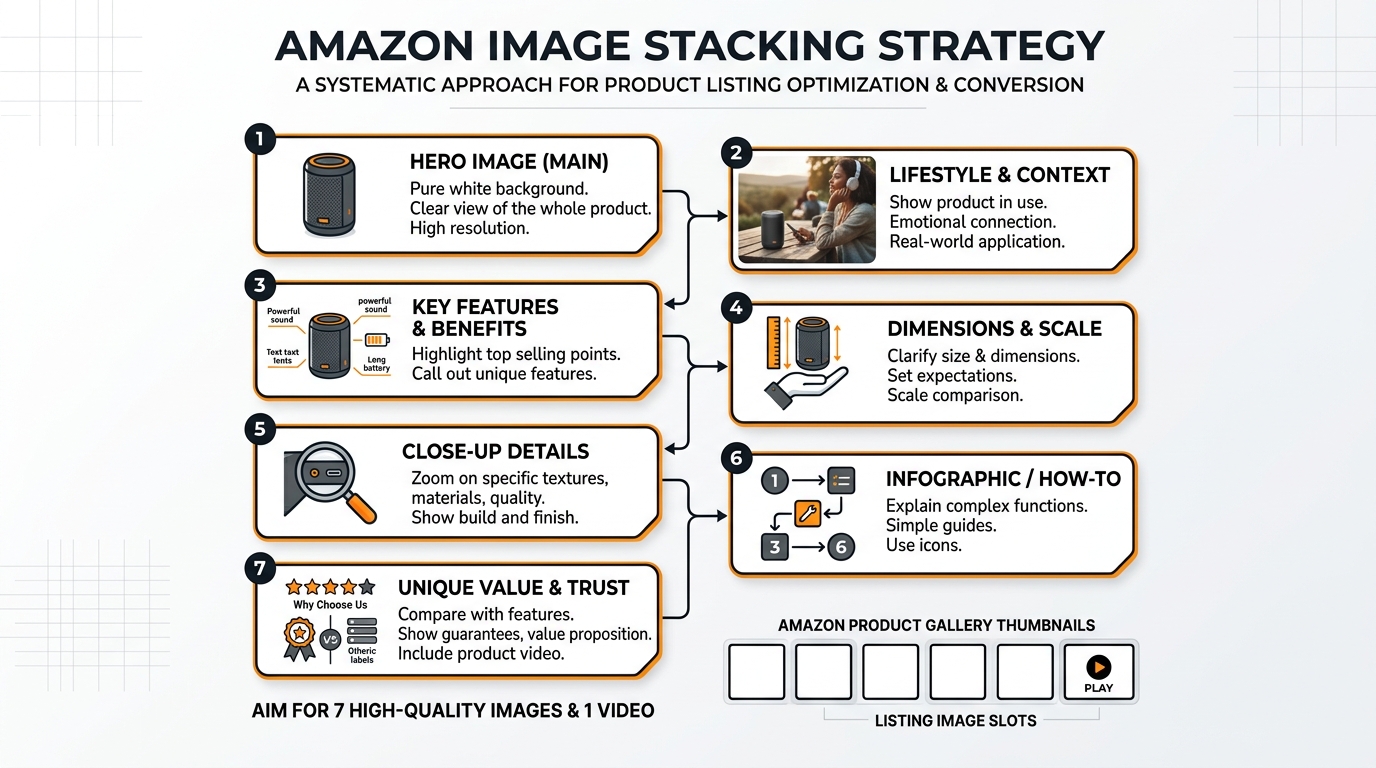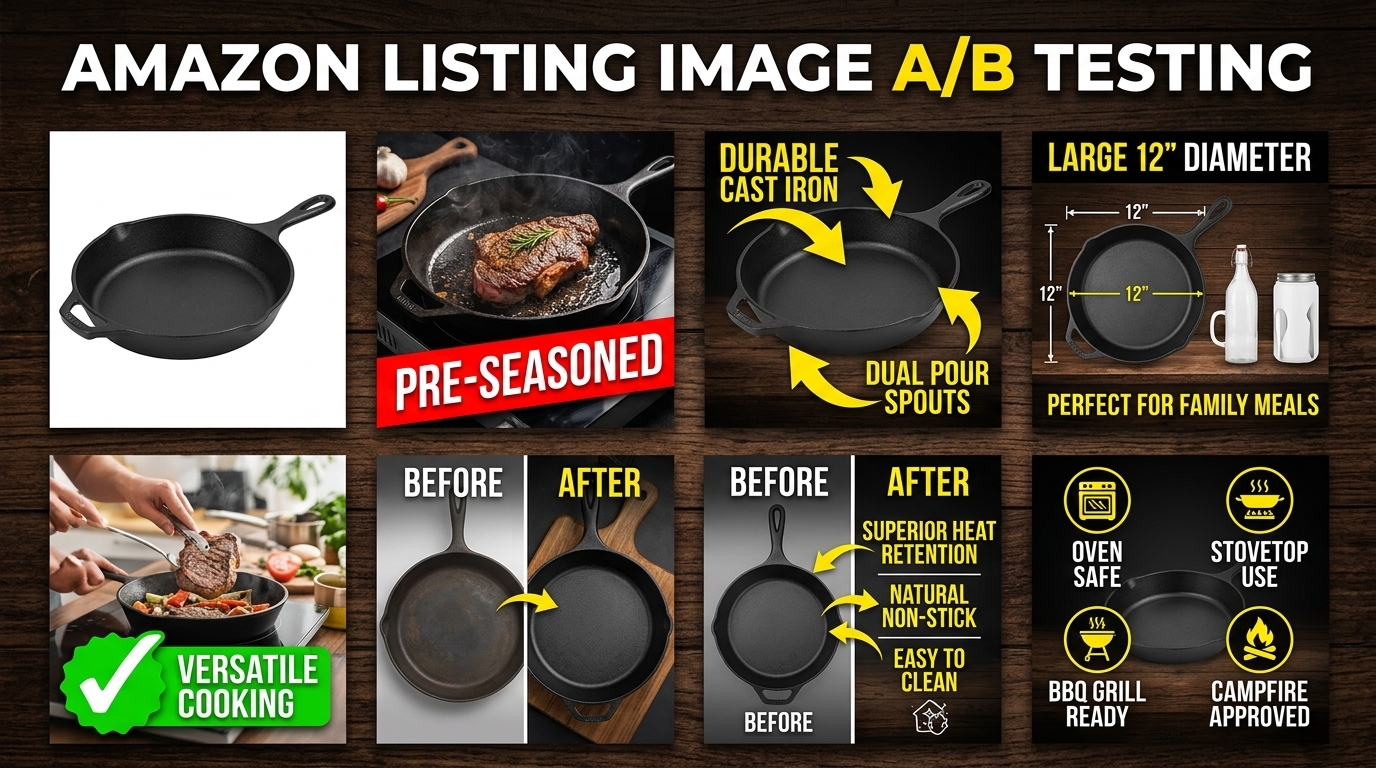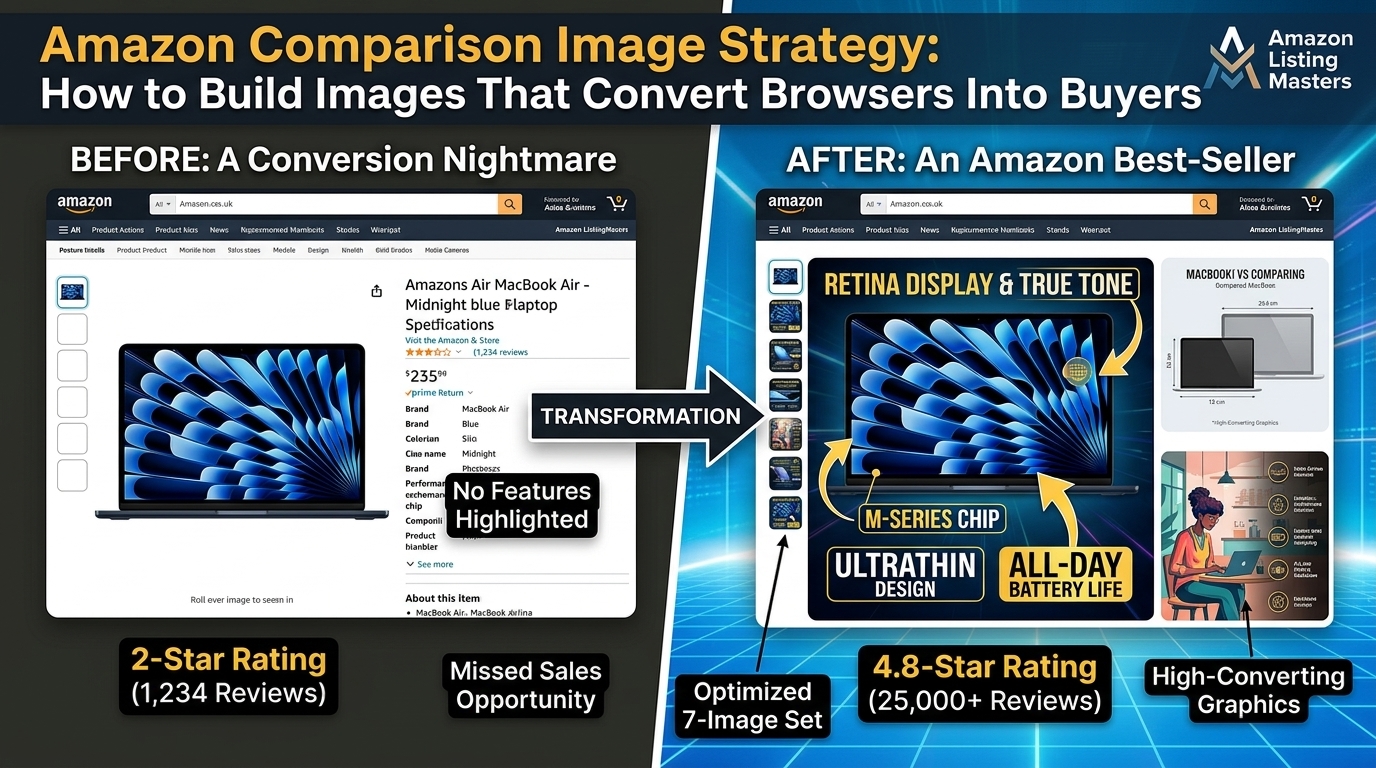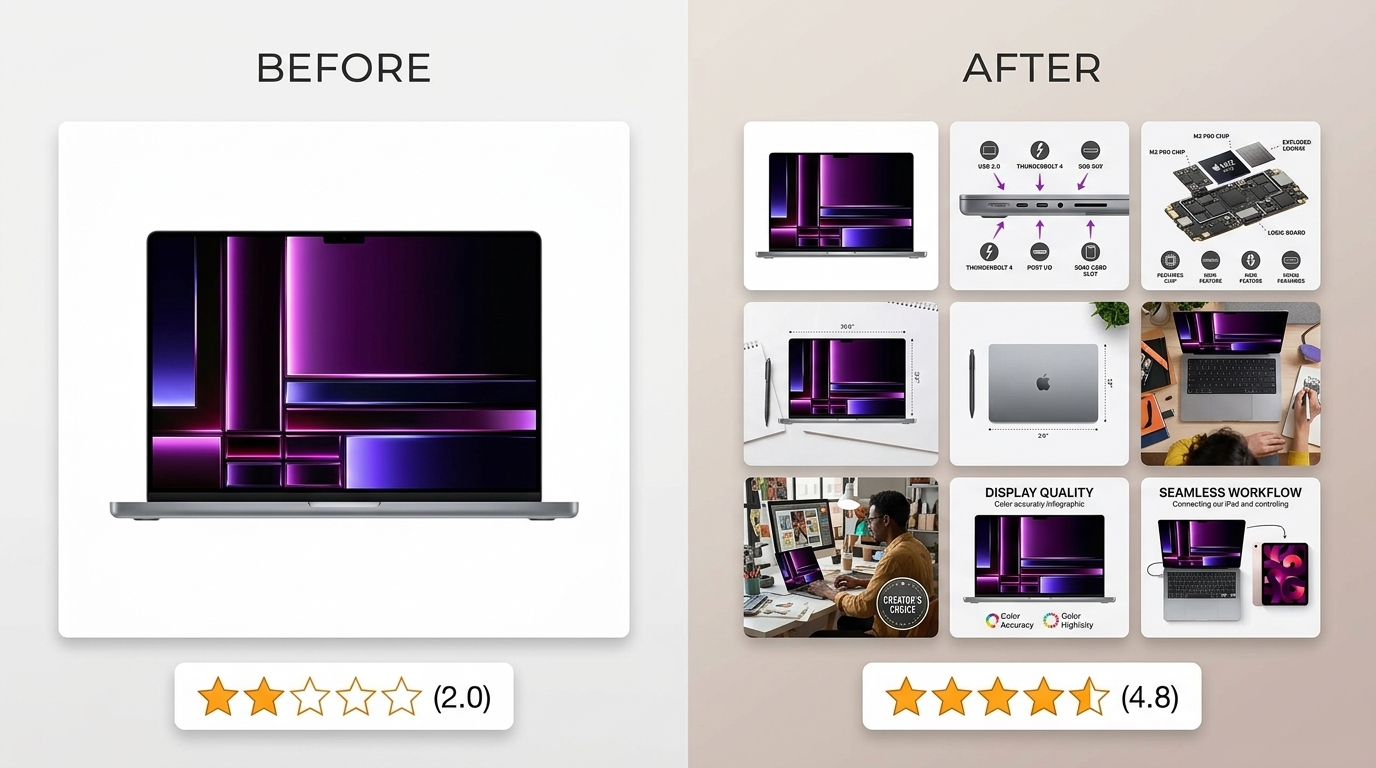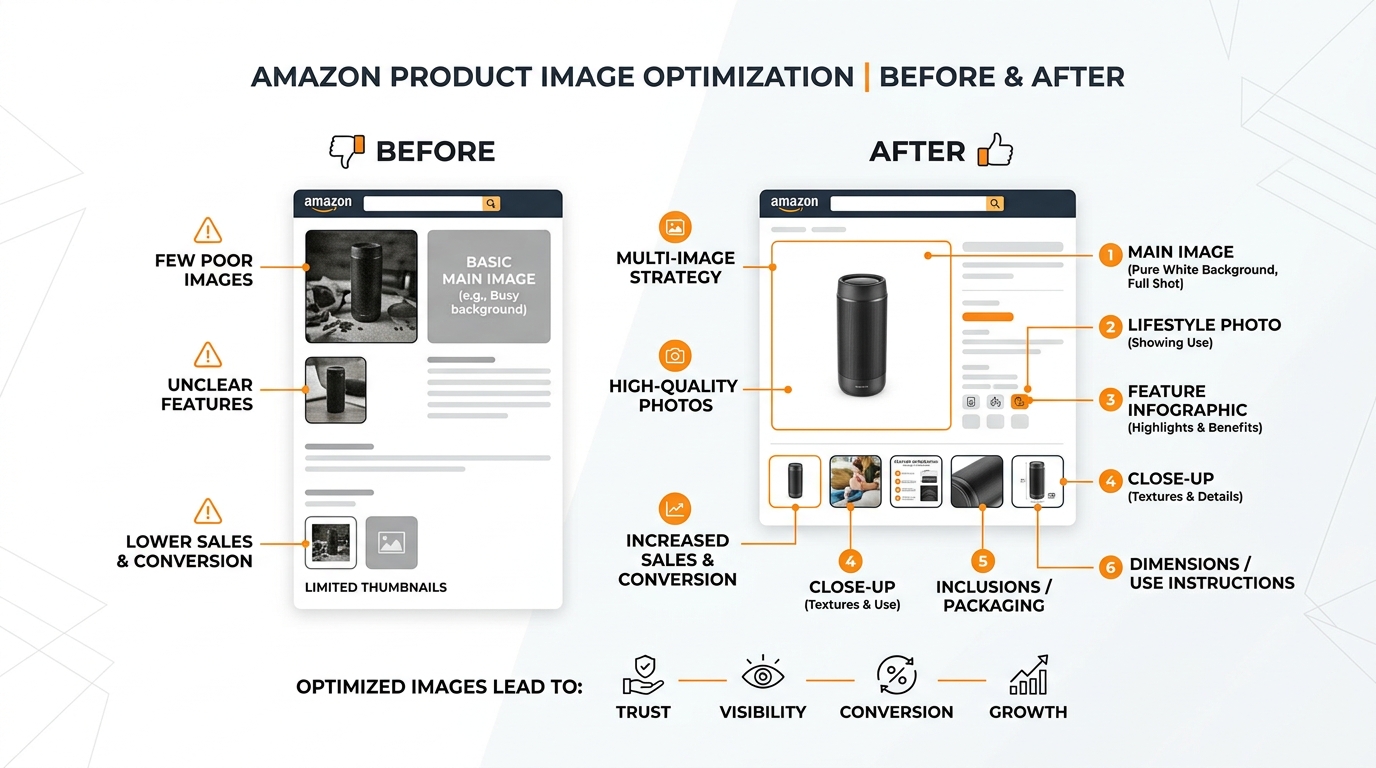
Type “what is A+ content on Amazon and why does it matter” into Google and you’ll get forty different answers, most of them written by someone who has never actually published a module. Here’s the short version. A+ Content is the visual real estate Amazon gives Brand Registered sellers to replace their plain-text product description with image-and-text blocks that live below the bullet points. That’s the mechanic. The reason it matters is the part most sellers get wrong. A+ Content is not a design upgrade you check off a launch checklist. It’s a direct lever on conversion rate, and conversion rate is the number that decides whether your PPC spend turns into profit or turns into a slow bleed in your P&L. This guide breaks down exactly what A+ Content is, who qualifies, what the data actually says about its impact on CVR and ACoS, and how to build modules that earn their keep instead of sitting there looking pretty.
Last reviewed:
What Is A+ Content on Amazon (And What It Actually Replaces)

A+ Content is Amazon’s name for the enhanced visual modules that Brand Registered sellers can add to a listing’s description area. Before A+ Content, that space was a wall of plain text with zero formatting control. No bold text, no images, no layout. Just a paragraph a shopper had to actively choose to read. A+ Content replaces that wall with a series of stacked modules: full-width lifestyle images, side-by-side comparison blocks, icon-driven feature callouts, and text overlays. It’s the difference between a listing that reads like a spec sheet and one that reads like a brand.
The Two Tiers: Basic vs Premium
Amazon splits A+ Content into two tiers, and sellers routinely confuse them. Basic A+ Content is free to any Brand Registered seller and gives you access to roughly a dozen pre-built module templates: standard image-text combos, comparison charts, and a four-image quadrant module. Premium A+ Content (Amazon previously called this A+ Premium or EBC Premium) unlocks interactive modules: video, hover-activated comparison charts, and larger hero banners. Premium isn’t available to everyone on demand. It’s gated behind account performance and, in many cases, requires an invitation or a minimum spend history on Basic A+ Content first.
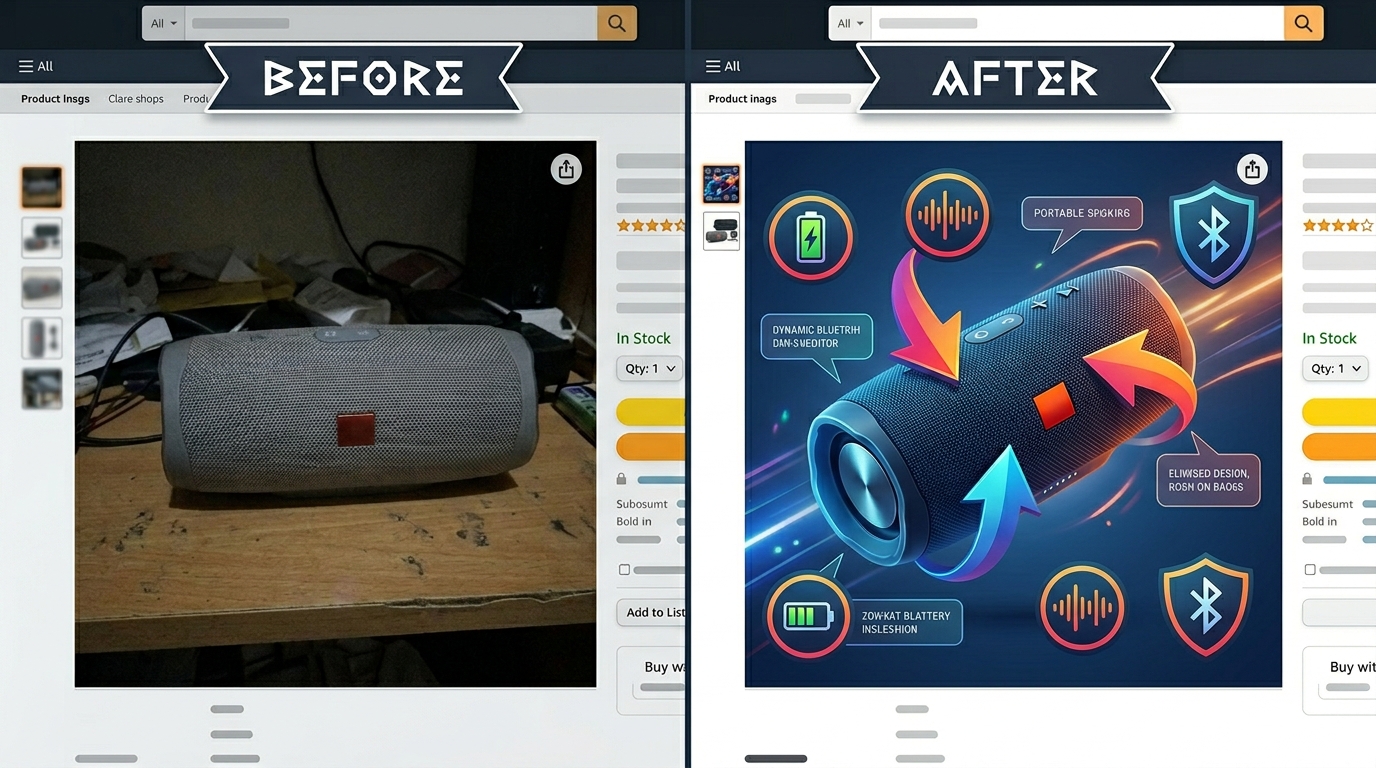
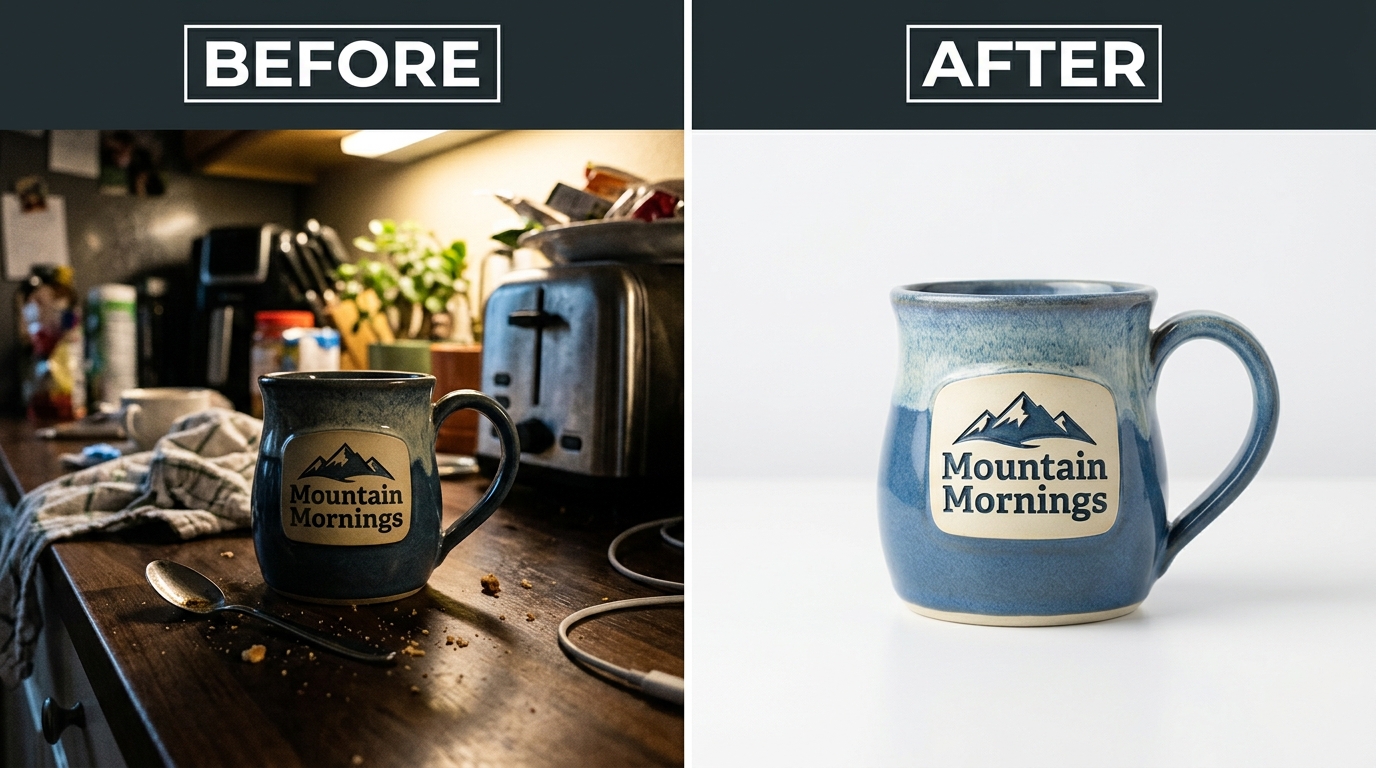
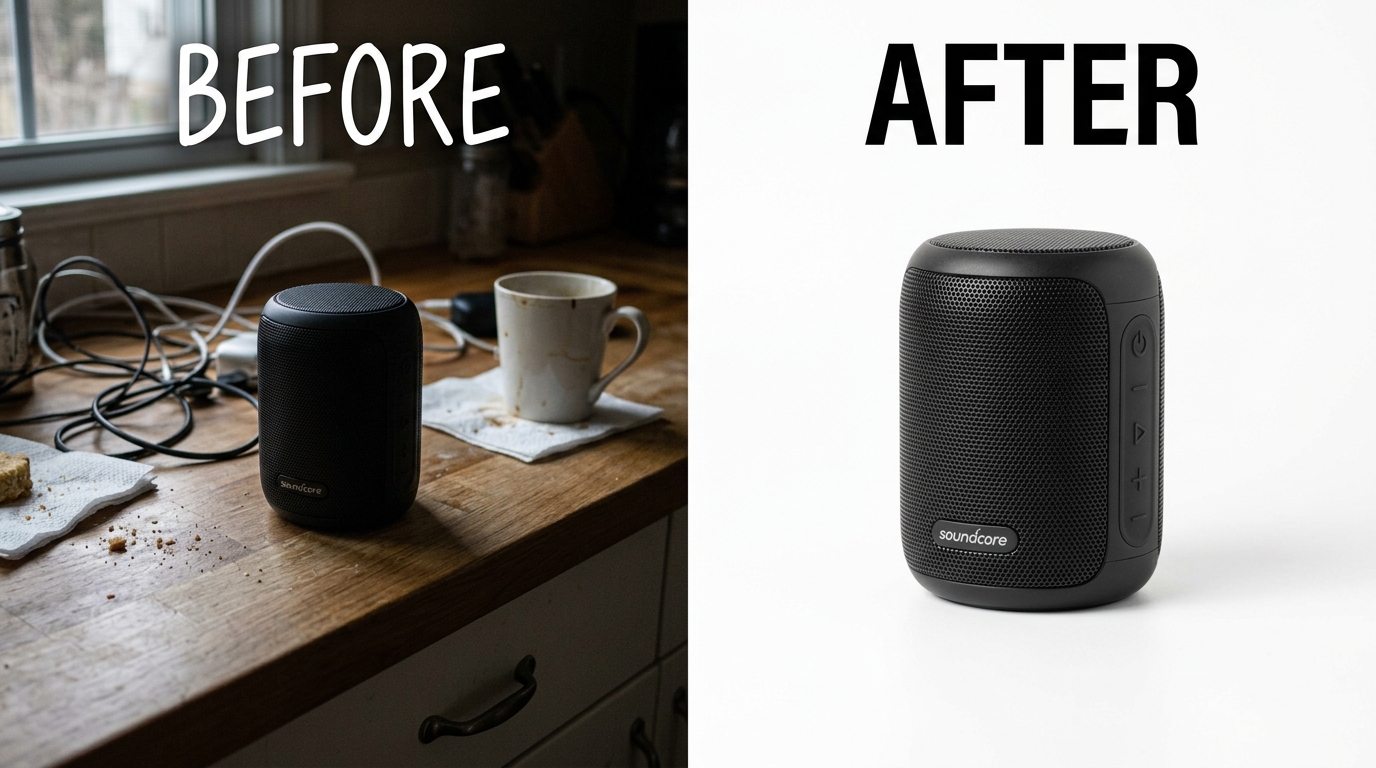
Amazon Before And After Images covers this in more detail.
| Feature | Basic A+ Content | Premium A+ Content |
|---|---|---|
| Cost | Free | Free, but invite-gated |
| Module count | Up to 7 per listing | Up to 7, larger canvas |
| Video modules | No | Yes |
| Interactive comparison | Limited | Yes, hover and click |
| Eligibility | Any Brand Registered account | Performance-based invitation |
| Typical use case | Most sellers, most listings | Hero SKUs and flagship products |
Where It Actually Lives on the Page
On desktop, A+ Content sits below the bullet points and above the reviews section. Shoppers who scroll past the price and bullets land directly in your modules before they hit social proof. On mobile, where over 60% of Amazon traffic now originates, A+ Content renders in a dedicated collapsible section further down the page, after the main image gallery and price block. That placement matters. If your mobile shopper doesn’t scroll, they never see it. Design your first two modules to work as a self-contained pitch, because a meaningful chunk of your traffic stops scrolling before module three.
What Makes It Different From a Text Description
The core functional difference is control. A plain description is one text block Amazon renders however it wants. A+ Content is a fixed-layout module system with defined pixel dimensions, meaning what you design is what the shopper sees, on every device, every time. That consistency is why A+ Content modules convert differently than raw text. You’re not hoping a shopper reads 200 words of unformatted copy. You’re showing them a 1464x600px image with a headline they can absorb in two seconds.
Why A+ Content Matters: The Data Behind the Conversion Lift
Sellers ask this question wrong. They ask “does A+ Content help SEO.” It doesn’t, directly. A10 does not read your A+ Content and rank you higher because you added a comparison chart. What A+ Content does is change shopper behavior on the page, and shopper behavior is exactly what A10 measures.
The Numbers Amazon Itself Publishes
Amazon’s own seller guidance on A+ Content performance has repeatedly cited a sales lift in the range of 3% to 10% for listings that add A+ Content compared to listings with plain text descriptions. That’s not a rounding error. On a listing doing $30,000 a month, a 5% lift is $1,500 in additional monthly revenue for content that costs you nothing to publish beyond the design work. Sellers who skip A+ Content because “it’s just extra work” are turning down free revenue with a positive ROI on day one.
Amazon Infographic Images Guide covers this in more detail.
Bounce Rate, Dwell Time, and Trust Signals
Baymard Institute’s ongoing product page usability research has found that shoppers consistently abandon product pages that fail to answer basic comparison and use-case questions within the first screen or two of content. A+ Content exists to close that gap before the shopper bounces to a competitor’s listing. Every second a shopper spends engaged with your modules is a second they’re not opening a rival tab in the same search results page. Dwell time on your listing is a proxy for purchase intent, and purchase intent is what converts.
The Indirect A10 Effect
Here’s the mechanism sellers miss. A10 doesn’t score your images. It scores your conversion rate, your click-through rate, and your sales velocity relative to competitors bidding on the same keywords. A+ Content moves all three indirectly. Better on-page content means fewer shoppers click back to the SERP after landing on your listing, which improves your organic ranking signal. It means higher CVR on your PPC clicks, which lowers your effective ACoS because you’re converting the same spend into more orders. Sellers who treat A+ Content as a branding afterthought are leaving CVR gains, and by extension ACoS reduction, sitting on the table. According to Nielsen Norman Group’s research on how users scan web content, most visitors skim in an F-shaped pattern and only fully read a small fraction of on-page text. That’s the entire argument for A+ Content in one sentence: shoppers don’t read, they scan, and modules built for scanning outperform paragraphs built for reading.
Who Can Actually Use A+ Content (Eligibility Requirements)

Not every seller gets to use A+ Content, and a lot of confusion starts. You can’t just log into Seller Central and start uploading modules.
Brand Registry Is Non-Negotiable
A+ Content requires enrollment in Amazon Brand Registry, which itself requires an active, registered trademark for your brand in the country you’re selling in. No trademark, no Brand Registry, no A+ Content. Period. Sellers reselling other brands, or selling generic unbranded products, are locked out entirely. If you’re still selling under a brand name with no trademark filed, that’s the first fix, not the seventh.
Basic vs Premium Eligibility Thresholds
Basic A+ Content is available to any Brand Registered seller the moment they’re approved. Premium A+ Content is different. Amazon gates it behind account health metrics, published A+ Content history, and in many categories a direct invitation. Sellers report the fastest path to a Premium invite is consistent Basic A+ Content usage across a catalog combined with clean account health and no recent listing suppressions. There’s no published formula, but the pattern is consistent across hundreds of accounts: Amazon rewards sellers who already use the free tier well before granting access to the advanced one.
Categories and Products With Restrictions
Certain restricted categories, including some regulated supplements, adult products, and specific medical device classifications, face additional content review or module limitations. Claims in these categories get scrutinized harder, and Amazon will reject A+ Content that makes health or efficacy claims not supported by your product’s registered classification. If you sell in a regulated category, expect your first two or three submissions to bounce back for compliance edits before they get approved.
The Anatomy of High-Converting A+ Content Modules
Publishing A+ Content isn’t the win. Publishing A+ Content that actually changes shopper behavior is the win, and most sellers stop at “publishing.”
Module Types That Actually Move CVR
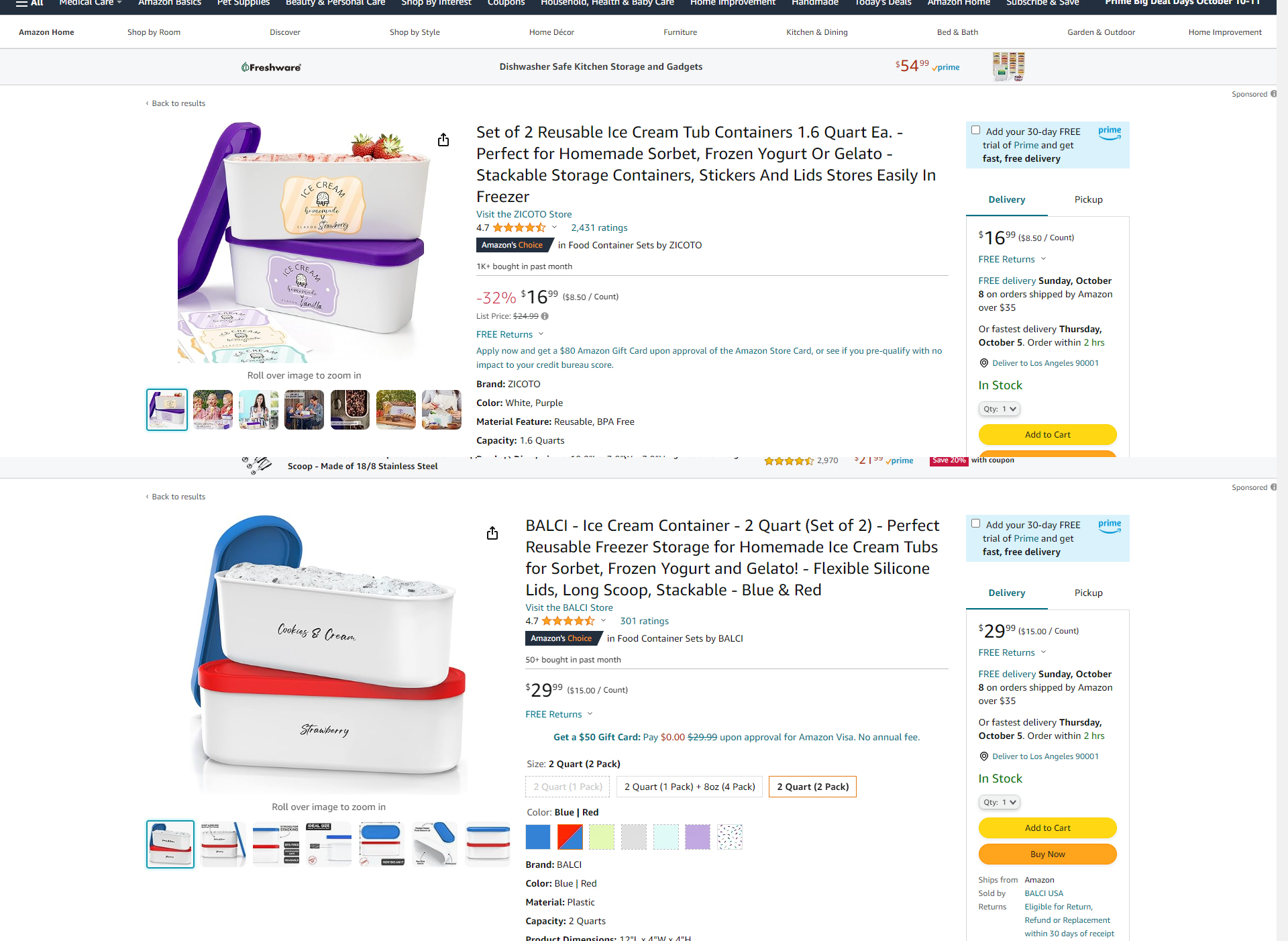
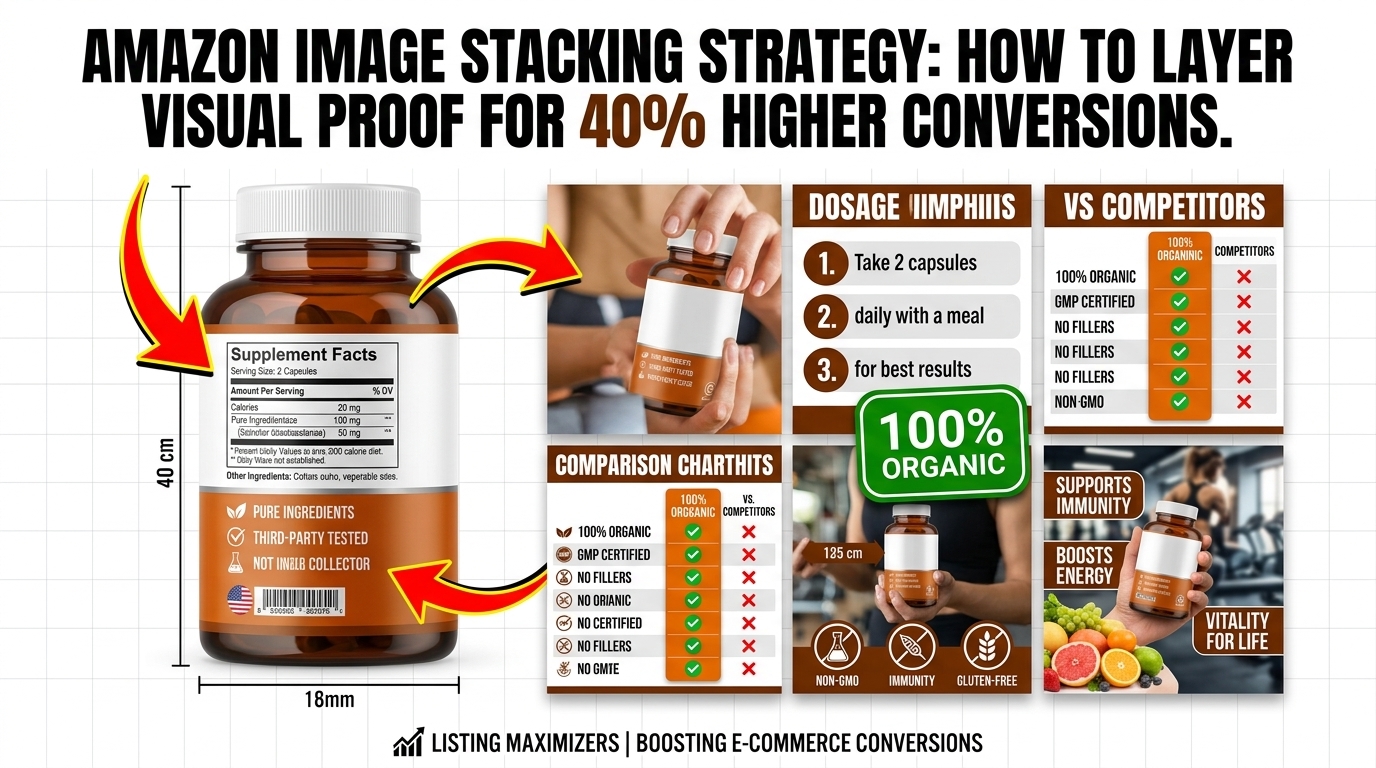
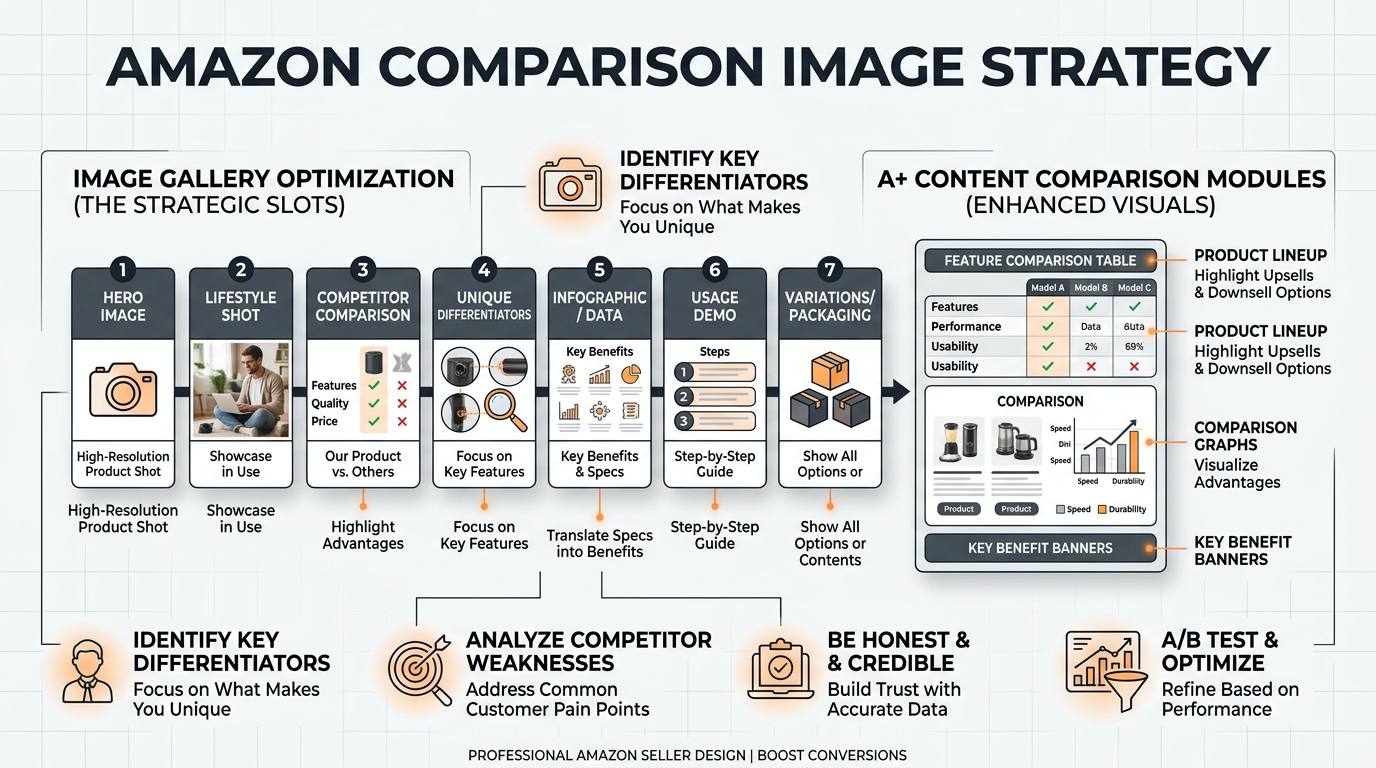
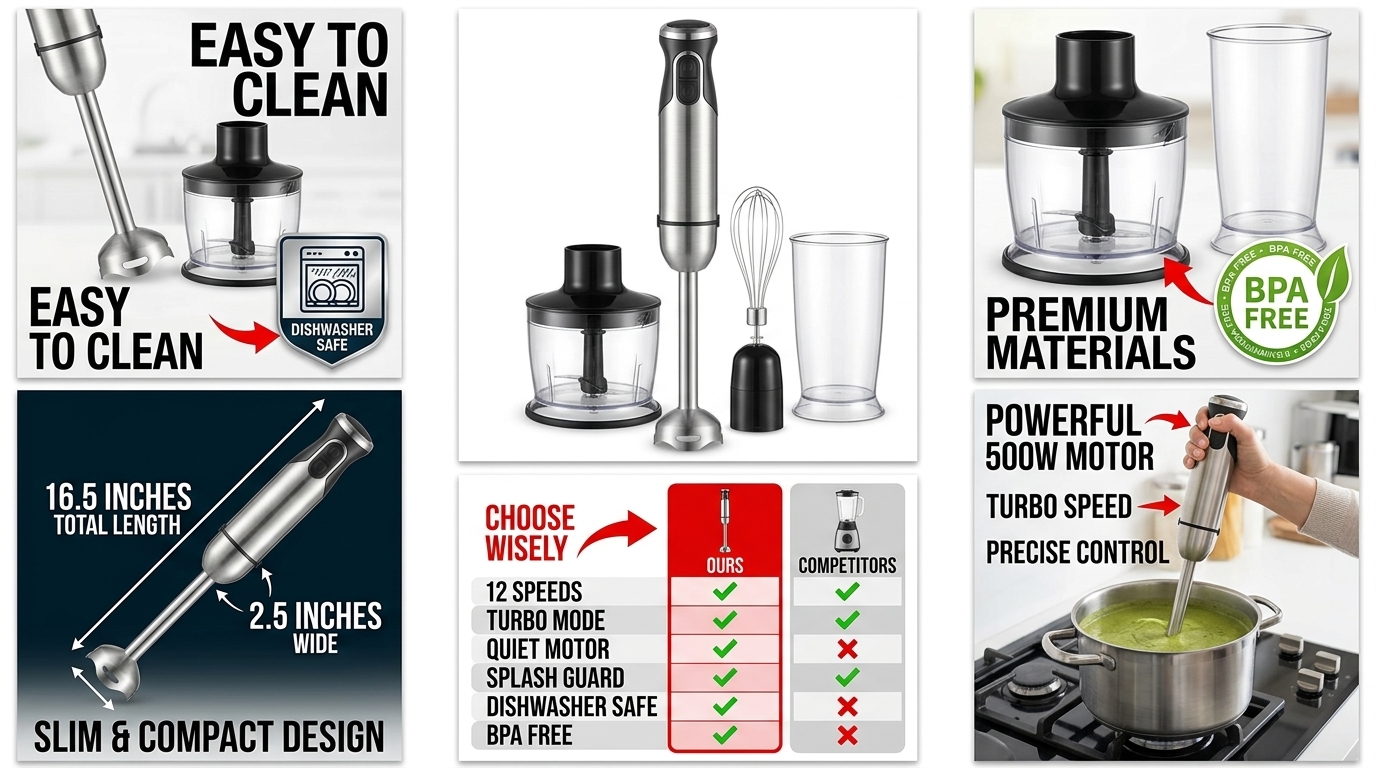
Not all modules pull equal weight. Comparison charts that stack your product against your own product line, or against generic alternatives, consistently outperform single-product hero banners because they answer the shopper’s real question: which one do I need. A well-built comparison image strategy turns a hesitant browser into a confident buyer by removing the decision paralysis that kills conversion. Before-and-after modules work the same way for any product with a visible transformation, whether that’s a kitchen tool, a beauty product, or a cleaning solution. Lifestyle modules that show the product in actual use, not floating on white, build the contextual trust a spec sheet never will. Infographic-style modules that break dimensions, materials, and use cases into scannable icons perform better than paragraph text because they respect how shoppers actually read a page, which, per the scanning research above, is not word by word.
Image Specs and File Requirements
Get the technical specs wrong and Amazon rejects your submission outright. Standard image modules run 1464x600px for full-width banners and 970x300px for mid-size modules, saved as JPEG or PNG in sRGB color space, under 5MB per file. Amazon prohibits watermarks, URLs, pricing callouts, promotional badges like “sale” or “free shipping,” and any reference to competitor products by name. File naming matters more than sellers assume: name your assets descriptively before upload (aplus-module1-comparison-1464×600.jpg, not IMG_4821.jpg) so your design team and any future editor can find and update the right file without guessing.
Copy That Doesn’t Get Ignored
Headlines longer than ten words get skimmed and forgotten. Use numbers instead of adjectives: “12oz stainless steel, dishwasher safe” beats “premium quality construction” every time, because the first sentence is a fact and the second is noise the shopper has read on fifty other listings. Every module should answer one specific question a shopper has before they add to cart, not restate the same benefit six different ways across seven modules.
A+ Content vs Brand Story vs Storefront: Where Each One Fits

Sellers mix these three up constantly, and it costs them strategic clarity. Each one plays a different role in the funnel.
Brand Story: The Strip That Runs on Every Listing
Brand Story is the horizontal module that appears at the top of the A+ Content section, above your product-specific modules, and it’s consistent across every listing under your brand once you set it up. It links to your other products and your Storefront directly from the listing page. Its job is cross-sell, not conversion on the single SKU. If a shopper is on your protein powder listing, Brand Story is what nudges them toward your shaker bottle in the same session.
Storefront: The Owned Real Estate
Your Storefront is a full multi-page site hosted on Amazon’s domain, built entirely from your catalog. It’s where you send PPC Sponsored Brands traffic and social traffic when you want a shopper browsing your full catalog instead of one listing. Storefronts support richer navigation, category pages, and video hero sections that no single listing’s A+ Content can match. Think of it as your Amazon-hosted homepage, not a listing add-on.
How the Three Work Together in the Buying Funnel
A shopper clicks a Sponsored Brands ad and lands on your Storefront to browse the category. They click into a specific listing and land on A+ Content, which answers their product-specific questions and closes the sale. Brand Story, sitting quietly at the top of every listing’s A+ section, catches shoppers who convert on one SKU and nudges them toward a second purchase before they leave. Three tools, three jobs. Sellers who only build one of the three are leaving conversion paths unbuilt.
Building an A+ Content Strategy That Actually Converts
Most sellers build A+ Content once, at launch, and never touch it again. That’s a mistake with a real dollar cost attached.
Audit Your Current Modules
Run this checklist against every ASIN in your catalog:
- Does module one answer the shopper’s single biggest objection to buying?
- Is there a comparison chart if you sell more than one size or variant?
- Does at least one module show the product in actual use, not on white background?
- Are all images at full 1464x600px resolution, not stretched or upscaled from a smaller source?
- Is the copy under ten words per headline across every module?
- Does the module order match how a shopper actually decides, not how you’d like to present the brand story?
- Has this A+ Content been updated in the last twelve months?
If you answer no to more than two of these on a top-selling ASIN, you’re bleeding conversion you could fix in an afternoon.
The Module Order That Wins
Lead with the objection-killer, not the brand pitch. Module one should solve the shopper’s biggest hesitation: fit, size, compatibility, or use case. Module two should be comparison or proof, showing why this variant beats the alternative. Module three and four handle lifestyle context and specs. Save brand story and mission-driven content for module five or six, after the shopper already has enough information to say yes. Sellers who lead with brand mission before addressing product fit are asking a browser to care about their values before they’ve decided to buy the product at all. Wrong order, in that sequence, is a measurable conversion loss.
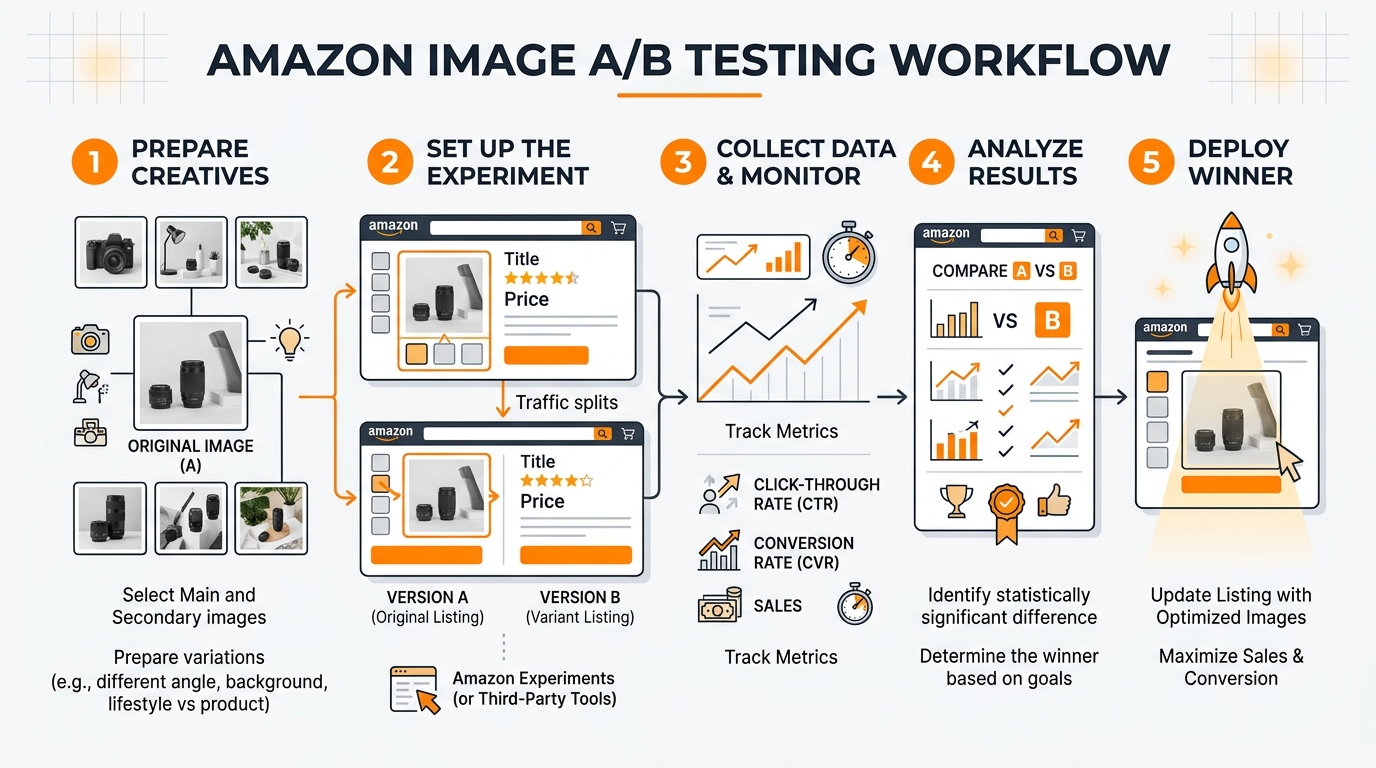
Testing and Iterating With Manage Your Experiments
Amazon’s Manage Your Experiments tool lets Brand Registered sellers A/B test A+ Content variations against a live traffic split, typically over a two to eight week window depending on your traffic volume. Use it. Sellers who publish one version of A+ Content and never test a variant are guessing at what works instead of measuring it. A test that moves CVR by even half a percentage point across your catalog compounds into real revenue at scale, and it costs you nothing but the design time to build a second variant.
Common A+ Content Mistakes That Kill Conversion
After looking at hundreds of listings across supplements, kitchen, beauty, and electronics categories, the same handful of mistakes show up over and over.
Text-Heavy Walls Nobody Reads
Sellers who came from a pre-A+ Content mindset still cram three paragraphs of copy into a single module because that’s how they wrote their old description. It doesn’t work. The scanning research already established that shoppers skim, not read, so a module packed with dense paragraphs gets skipped entirely, no different from the plain-text description A+ Content was supposed to replace.
Ignoring Mobile Rendering
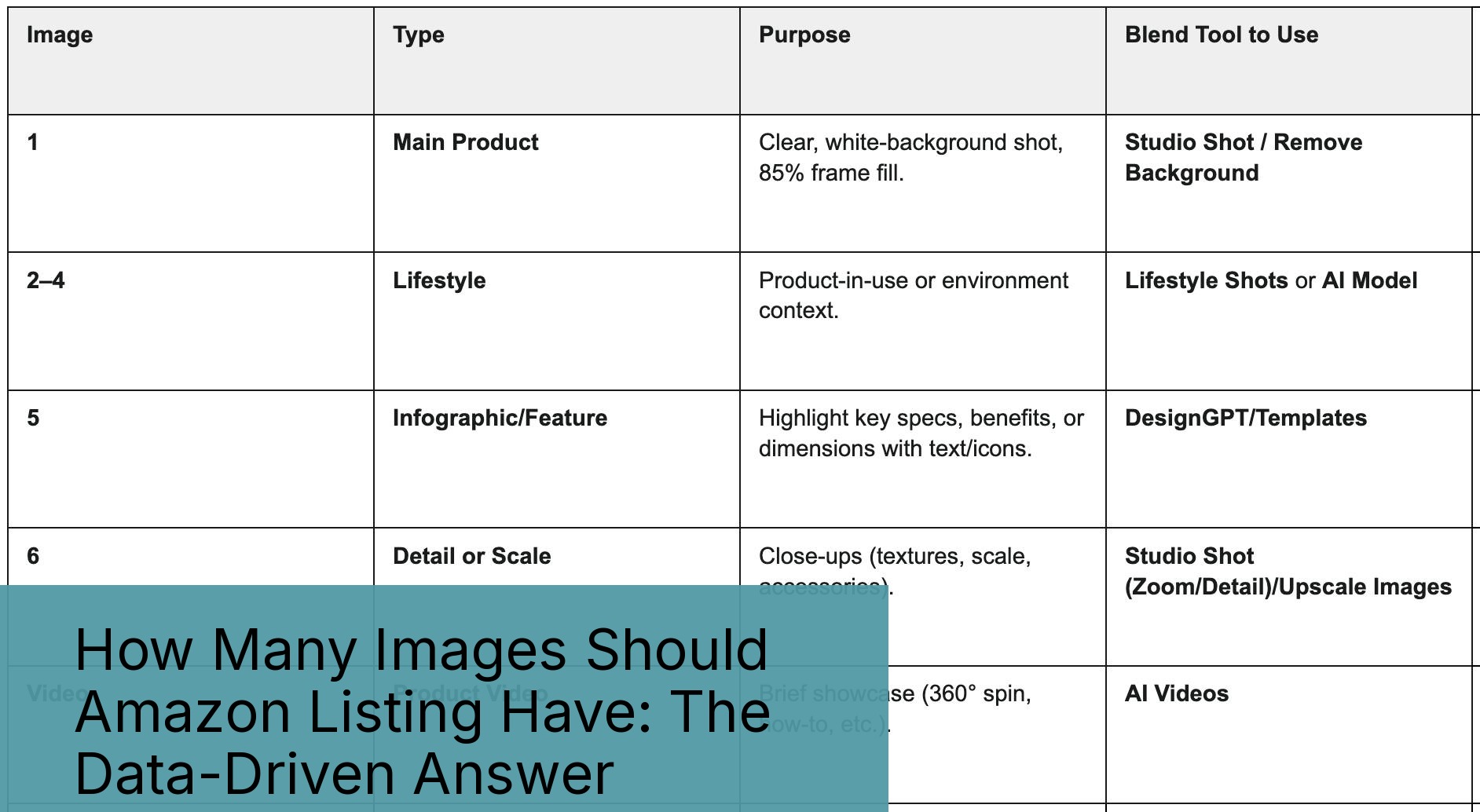
Design your modules on a desktop monitor, check them once, and ship them. That’s the workflow that produces text too small to read on a phone screen and comparison charts that get cut off at the edge of a mobile viewport. Given how many images you actually need across your full listing to cover main image, secondary gallery, and A+ modules without redundancy, treating mobile as an afterthought wastes half that image investment. Check every module on an actual phone before publishing, not just the desktop preview in Seller Central.
Treating A+ Content as One-and-Done
Products change. Packaging changes. Competitors launch new comparison angles. A+ Content built two years ago referencing an old package design or an outdated feature set actively hurts you, because it creates a mismatch between what the shopper sees in your modules and what actually arrives in the box. Stale content erodes trust faster than no content at all. Revisit every top ASIN’s A+ Content at least twice a year, treat it the same way you’d treat a PPC campaign that needs regular optimization, not a launch task you check off once.
Related Articles
- Amazon A+ Content Image Design Guide: Module-by-Module Breakdown for Higher Conversions
- How to Build an Amazon Brand Story That Actually Converts: A Visual Strategy Blueprint
- Amazon Storefront Design: The 7-Step Blueprint That Actually Converts
Sources & References
Amazon Listing Images That Actually Convert
Stop losing sales to competitors with better images. We research your niche, find the 6 buying objections in your category, and ship 7 strategic listing images that address each one.
Frequently Asked Questions
Do I need Brand Registry to get A+ Content on Amazon?
Yes, without exception. A+ Content requires an active Amazon Brand Registry enrollment, which itself requires a registered trademark for your brand. If you’re selling unbranded or reselling another brand’s products, you’re not eligible, and the fix starts with filing a trademark, not with Seller Central settings.
How much does A+ Content cost to add to a listing?
Basic A+ Content is free once you’re Brand Registered. The real cost is design time and, if you outsource it, whatever you pay a designer or studio to build the module images and layout, which typically runs a few hundred dollars per listing depending on module count and complexity.
How long does Amazon take to approve A+ Content submissions?
Most submissions clear review within 24 to 72 hours. Regulated categories or submissions with borderline compliance language, like unsupported health claims, can take longer and often bounce back once for edits before final approval.
Can A+ Content actually hurt my conversion rate if done wrong?
Yes. Text-heavy modules, low-resolution images, or a module order that buries the product’s key selling point below unrelated brand content can suppress conversion compared to even a clean plain-text description. A+ Content is a tool, not a guarantee, and a poorly built module set can underperform the old text description it replaced.
What’s the difference between A+ Content and Enhanced Brand Content?
They’re the same thing under different names. Enhanced Brand Content was the original term for what Amazon now calls A+ Content across the board, including for Vendor Central accounts. If you see EBC referenced in older guides, treat it as identical to today’s A+ Content.
Should every ASIN in my catalog get its own A+ Content?
Yes, if the ASIN is Brand Registry eligible and generates meaningful sales volume. Low-volume or discontinued SKUs may not justify the design investment, but any ASIN driving real revenue without A+ Content is leaving the 3% to 10% sales lift Amazon itself has cited sitting unclaimed.